.svg)






.png "QR Code")

FreeStyle LibreLink
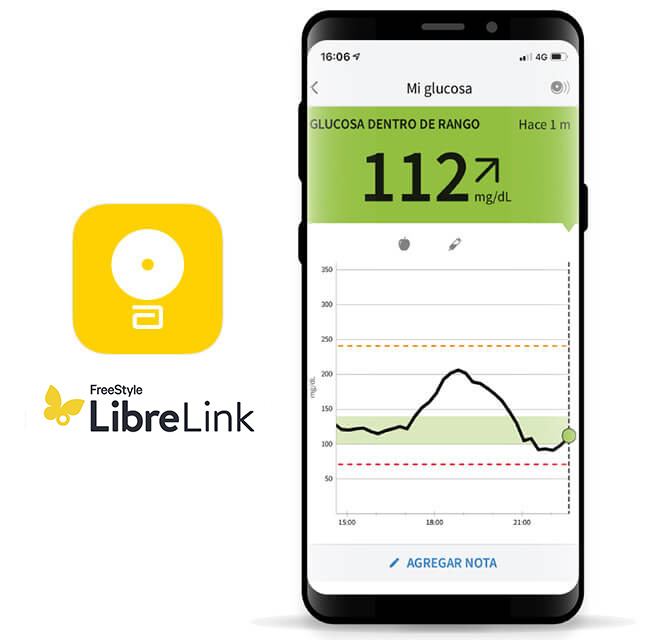
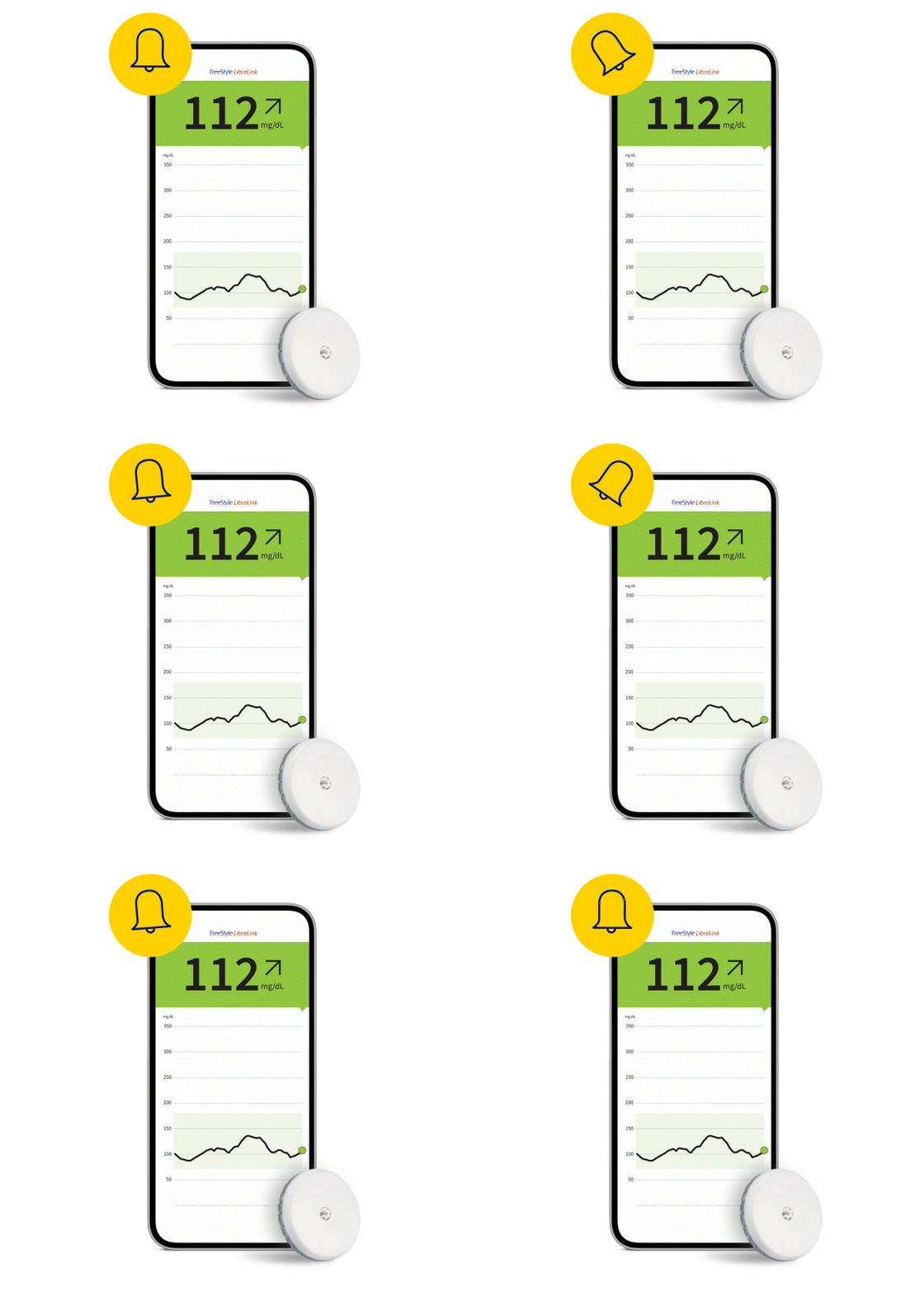
Recibe las lecturas de glucosa del sensor FreeStyle Libre 2 o FreeStyle Libre 2 Plus automáticamente en tu teléfono compatible◊
Aviso Urgente de Seguridad: Se ha iniciado un aviso urgente de seguridad para ciertos sensores FreeStyle Libre 3 y FreeStyle Libre 3 Plus. Por favor, visite www.FreeStyleCheck.com para más información.
ADC-123929 V2





Garantía de devolución del 100% a los 30 días en tu primer pedido. (*Se aplican los Términos y condiciones)

Entrega en 5-7 días (tiempo estándar estimado de entrega)

Todos los pagos son seguros y están encriptados

Tu carrito está vacío

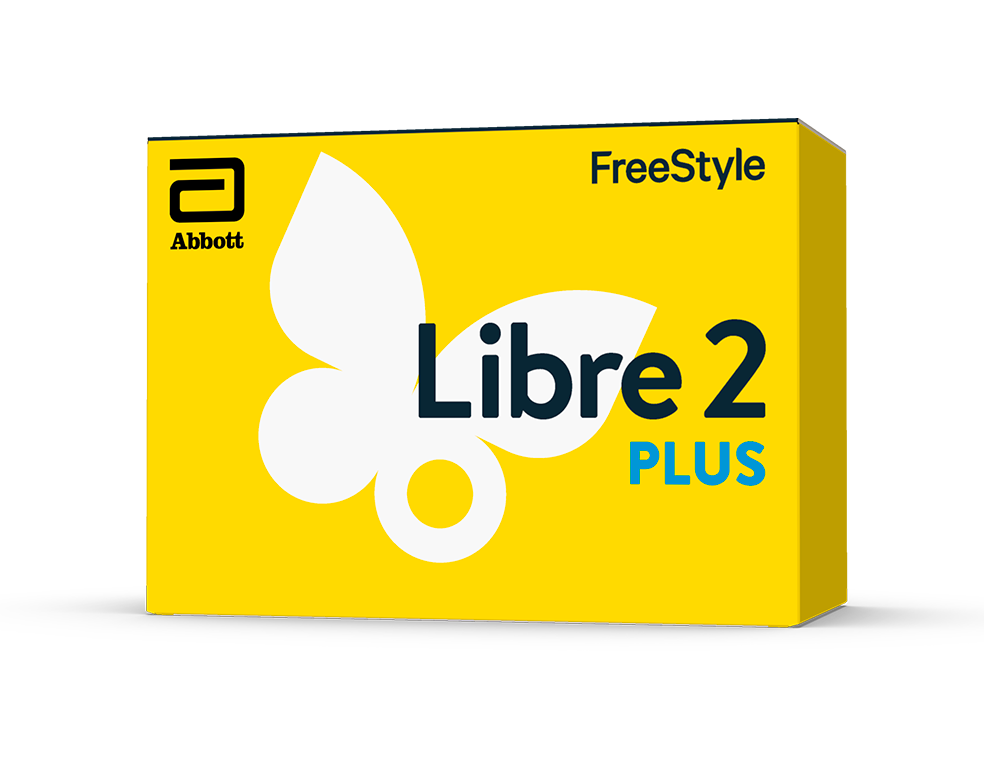

La aplicación /lector y el sensor están diseñados para reemplazar las pruebas de glucosa en sangre para el autocontrol de la diabetes, incluida la dosificación de insulina.2

El sistema dispone de un software que genera informes sobre el análisis de los datos de glucosa.

No requiere calibración por parte del usuario. Realiza controles de calidad cada minuto para dar lecturas fiables durante el periodo de uso.


Si inicias tu sensor FreeStyle Libre 2 o FreeStyle Libre 2 Plus con tu lector FreeStyle Libre 2 no recibirás automáticamente las lecturas de glucosa, incluso si usas la app FreeStyle LibreLink actualizada a la última versión como segundo dispositivo. Deberás escanear el sensor para obtener tus lecturas de glucosa en ambos dispositivos. Las alarmas de glucosa solo se recibirán en el dispositivo utilizado para iniciar el sensor.
Diseñado para reemplazar las pruebas de glucosa en sangre para el autocontrol de la diabetes2, el sistema de monitorización flash de glucosa está compuesto por un sensor que se coloca en la parte posterior del brazo y mide minuto a minuto la concentración de glucosa en el líquido intersticial del cuerpo.
Las lecturas de glucosa del sensor provienen del líquido intersticial, una capa fina de líquido que rodea a las células del tejido situado debajo de la piel y no de la sangre.
Descubre cómo se conectan entre sí las herramientas digitales de la familia FreeStyle Libre para ayudarte en el manejo de tu diabetes.
1. Datos de archivo, Abbott Diabetes Care.
2. Se requiere pinchazos en el dedo si sus lecturas de glucosa y alarmas no son compatibles con los síntomas o las expectativas.
3. Los pacientes eligen de cuál dispositivo quieren recibir alarmas: lector FreeStyle Libre 2 o aplicación FreeStyle LibreLink. Deben iniciar su sensor FreeStyle Libre 2 o FreeStyle Libre 2 Plus con el dispositivo seleccionado. Una vez que el paciente escanea su sensor FreeStyle Libre con ese dispositivo, puede recibir alarmas solo en él.
₸ El sensor es resistente al agua en hasta 1 metro de agua durante un máximo de 30 minutos. No sumerja más de 30 minutos. No debe usarse por encima de 3048m.
◊ La aplicación FreeStyle LibreLink solo es compatible con determinados dispositivos móviles y sistemas operativos. Consulte el sitio web para obtener más información sobre la compatibilidad del dispositivo antes de usar la aplicación. El uso de FreeStyle LibreLink puede requirir el registro en LibreView.
φ Cuando el Bluetooth® no está operativo escanea para obtener lecturas de glucosa y completar hasta 8 horas de datos perdidos. Los usuarios de lector deben escanear una vez cada 8 horas para obtener una imagen glucémica completa.
₼ La página web de LibreView solo es compatible con determinados sistemas operativos y navegadores. Consulte www.LibreView.com para obtener información adicional.
§ La aplicación LibreLinkUp solo es compatible con ciertos dispositivos móviles y sistemas operativos. Por favor, consulta en www.LibreLinkUp.com para más información sobre la compatibilidad de dispositivos antes de usar la aplicación. El uso de LibreLinkUp y FreeStyle LibreLink puede requerir el registro en LibreView. El uso de la aplicación móvil LibreLinkUp no está destinada para el control primario de la glucosa: los usuarios del sensor deben consultar su(s) dispositivo(s) primario(s) y a su profesional sanitario antes de realizar cualquier interpretación médica y ajuste terapéutico a partir de la información provista por la aplicación.
El sensor debe retirarse antes de someterse a un estudio de imágenes por resonancia magética (RM). Para mayor información lea atentamente el Manual del Usuario.
Sólo necesita una red (WIFI o datos móviles) para descargar la aplicación y compartir los datos de glucosa.
ADC-66853 V4
Este sitio está protegido por reCAPTCHA y se aplica la Política de Privacidad y los Términos del Servicio de Google.

El enlace "Sí" a continuación te llevará a un sitio web que no es el de Abbott Laboratories. Los enlaces que te dirigen a otros sitios web no están bajo el control de Abbott Laboratories, y Abbott Laboratories no es responsable del contenido de dichos sitios web ni de otros enlaces contenidos en dichos sitios web. Abbott Laboratories proporciona estos enlaces solo como cortesía y la inclusión de cualquier enlace no implica la aprobación por parte de Abbott Laboratories del sitio.
¿Quieres salir de esta página?
FreeStyle.abbott/es-es es un sitio web específico de productos destinado únicamente a los residentes de los España. Si vive en otro país, póngase en contacto con su oficina local de Abbott para obtener la información correcta del producto para su país de residencia.


