












FreeStyle Libre basics

Living with diabetes on your terms is about to begin. Here, you’ll discover just how easy FreeStyle Libre systems are to apply, activate, and use4,20
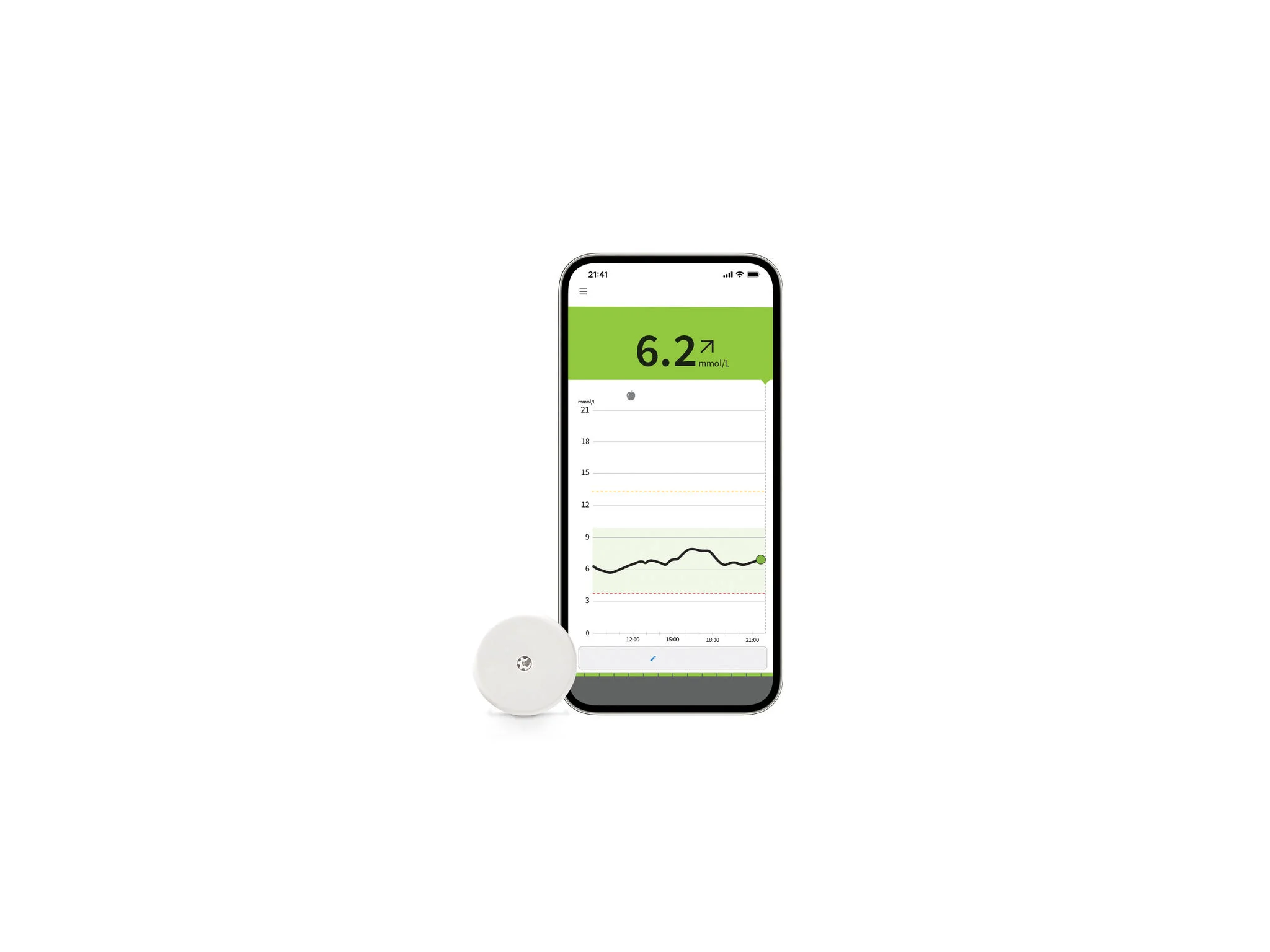
Heading “FreeStyle Libre Basics” beside a smartphone showing a glucose graph and a FreeStyle Libre sensor on a white background.

What you need to know.

Applying your new sensor is a lot easier than you might think – and it doesn’t require painful routine finger pricks10. So, why wait another moment? Let’s get started. 

To begin, select an area on the back of your upper arm and follow these steps:

Illustration of Step 1 showing the recommended application area on the back of the upper arm for the sensor.
Step 1

Select site on back of upper arm.

Illustration of Step 2 showing washing the application area with soap and water before drying.
Step 2

Wash site using plain soap and water, then towel dry.

Illustration of Step 3 showing cleaning the application area with an alcohol wipe and letting it air dry.
Step 3

Clean the area with an alcohol wipe and air dry.

Once you’ve prepared the back of your upper arm, apply the sensor using the two-piece or the one-piece applicator.

Illustration showing placing the glucose sensor applicator on the prepared area of the upper arm and pressing firmly.
Step 1

Place the sensor applicator over the prepared site and push down firmly.

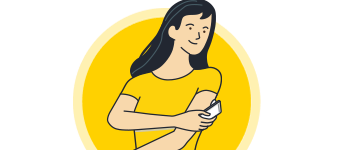
llustration of Step 2 showing the glucose sensor now attached to the back of the upper arm after application.
Step 2

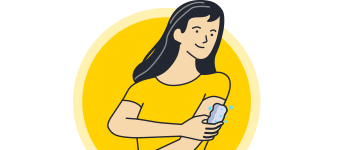
The sensor should now be attached to your skin.

Illustration of Step 3 showing gently pressing around the glucose sensor to ensure it is securely attached to the upper arm.
Step 3

Secure by pressing down gently with your finger around the edge.

Once your sensor is applied, you need to pair it with your app13.

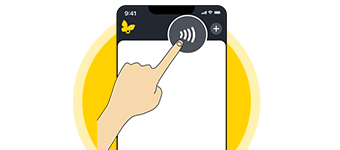
Illustration of Step 1 showing a finger tapping “Scan a new sensor” in the mobile app to start sensor setup.
Step 1

Press “Scan New Sensor” on your app13.

Illustration of Step 2 showing a person holding a smartphone close to the sensor and scanning it slowly with the app.
Step 2

Hold your device near the sensor and slowly scan it.

Illustration of Step 3 showing a phone near the sensor, indicating activation with a sound or vibration.
Step 3

You will hear a beep or feel a vibration upon activation.

Illustration of Step 4 showing a butterfly icon and text indicating the sensor will be ready to use in 60 minutes.
Step 4

The sensor can be used to check your glucose after 60 minutes.

Your device will alert you when it’s time to replace your sensor. To remove it:

Illustration of Step 1 showing peeling the adhesive edge and slowly removing the glucose sensor from the upper arm.
Step 1

Pull up the adhesive edge, then slowly peel it off the skin.

Illustration of Step 2 showing applying moisturizing lotion to the arm to help remove the glucose sensor.
Step 2

A soft moisturizer can make it easier to remove.

Illustration of Step 3 showing discarding the used sensor and applying a new glucose sensor to the upper arm.
Step 3

Discard the used sensor and apply the new one as you did before.

View video for full details.

You may also download these
helpful guides for more information.  
MyFreeStyle logo

FreeStyle Libre is easy.

MyFreeStyle makes it even easier.

Join the over 70,000 Canadians today to get the most out of your FreeStyle Libre system. You will get co-pay and insurance information, dedicated customer care, educational support on your FreeStyle journey and much more.
MFS

You might also like:

The FreeStyle Libre 2 flash glucose monitoring system is indicated for measuring interstitial fluid glucose levels in people aged 4 years and older with diabetes mellitus. Always read and follow the label/insert.

The FreeStyle Libre 3 Flash Glucose Monitoring System (FreeStyle Libre 3 Reader or FreeStyle Libre 3 app used with FreeStyle Libre 3 Plus Sensor) is indicated for measuring interstitial fluid glucose levels continuously in people aged 2 years and older with diabetes mellitus. Always read and follow the label/insert.

ADC-97477 v3.0