

FreeStyle Libre 基本資訊

開始按照您喜愛的方式管理糖尿病吧! 我們將帶您瞭解配戴、啟動及使用4,20 FreeStyle Libre的方式,您會發現一切都是如此簡單輕鬆。
畫面中有一支智慧型手機和50元硬幣大小的傳感器,手機上的 FreeStyle LibreLink 程式顯示目前的葡萄糖值為 112 mg/dL,下方則可看見過去8小時的葡萄糖趨勢圖

您需要瞭解的技巧

配戴傳感器其實很容易,現在就是最好的啟程時刻,和我們一同開始吧!

首先,選擇上臂背面的一個區域,依照以下步驟操作:

An illustration of a woman with the back of her arms circled to show where a FreeStyle Libre sensor would be applied.
步驟 1

選定上臂背面的配戴位置。

 An illustration of a woman washing her arm.
步驟 2

以一般肥皂和清水清潔部位,再用毛巾擦乾。

An illustration of a woman cleaning her arm with an alcohol wipe.
步驟 3

使用酒精棉片擦拭部位,等待自然風乾。

上臂背面確實清潔後,使用組裝好的傳感器敷貼器進行配戴。

An illustration of a woman placing a FreeStyle Libre sensor on the back of her upper arm.
步驟 1

將傳感器敷貼器放在準備好的部位上,垂直用力按下傳感器以貼放到身體上。

An illustration of a woman applying a FreeStyle Libre sensor on the back of her upper arm.
步驟 2

確認傳感器已黏附到皮膚上。

An illustration of a woman securing her FreeStyle Libre sensor to her arm by pressing down gently with her fingers on the edge.
步驟 3

以手指沿著邊緣輕輕按壓傳感器。

配戴完成後,您需要將傳感器與應用程式相配對 13

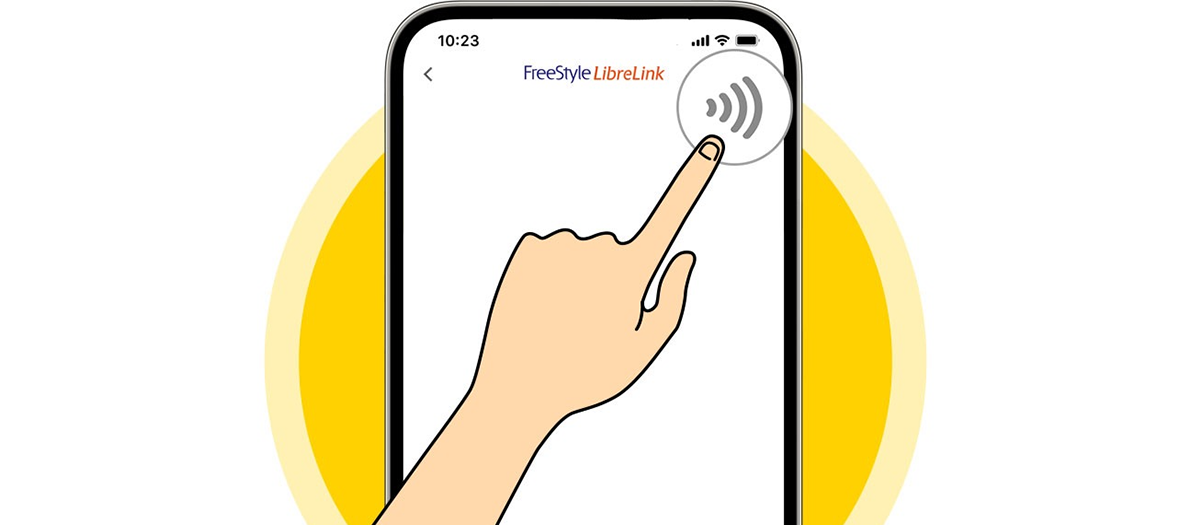
An illustration of someone pressing the Scan New Sensor icon on their phone.
步驟 1

在應用程式13 點選「掃描新的傳感器」圖示。

An illustration of a woman scanning her FreeStyle Libre on her arm with her phone.
步驟 2

將智慧型手機的背面靠近傳感器,緩緩掃描。

An illustration of a woman’s phone beeping as it scans her FreeStyle Libre sensor.
步驟 3

啟動成功時,裝置會發出嗶聲或振動。

A yellow butterfly and text below it indicating that the FreeStyle Libre can be used after 60 minutes.
步驟 4

60 分鐘後,即可使用傳感器檢查您的葡萄糖。

傳感器需要更換時,裝置會提醒您。如何移除傳感器:

An illustration of a woman removing the adhesive edge from her FreeStyle Libre sensor.
步驟 1

拉起傳感器的背膠邊緣,慢慢地從皮膚上撕下。

An illustration of a woman using moisturizer to remove her FreeStyle sensor.
步驟 2

可以使用溫肥皂水輔助,更容易移除傳感器。

An illustration of a woman with a new FreeStyle Libre sensor attached to her arm.
步驟 3

用過的傳感器請丟棄,再依先前的步驟配戴新的傳感器。

完整說明請參考影片。

您也可以下載實用指南,取得更多資訊。

糖尿病管理是追求平衡的藝術,我們可以協助您達成目標

加入 MyFreeStyle 計畫,獲得與連續葡萄糖監測相關的實用建議,更有效追蹤進展及達成目標。
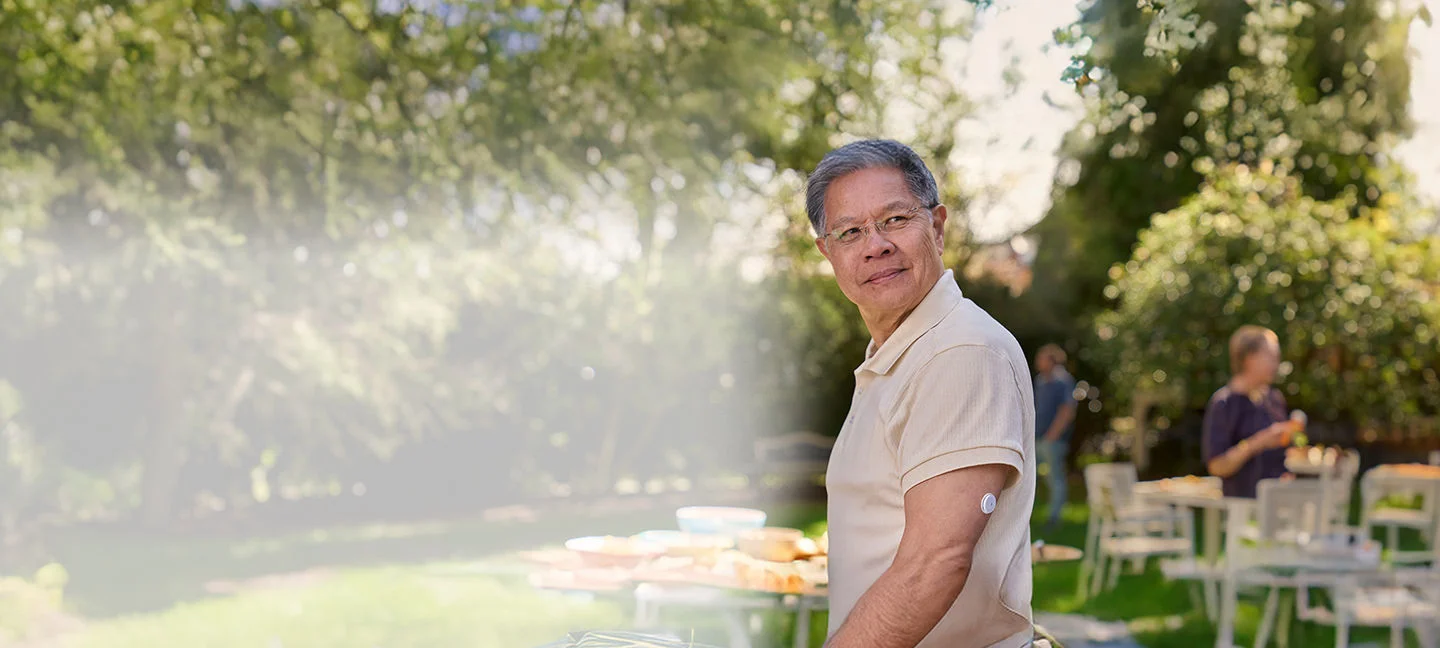
一名中年男士站在戶外庭院,左手臂佩戴 FreeStyle Libre2 傳感器,自信地看向遠方,背後的桌子上放滿食物。

您可能也會喜歡-

北市衛器廣字第114060184號 ADC-103695 v2.0
Loading...