

FreeStyle Libre basics

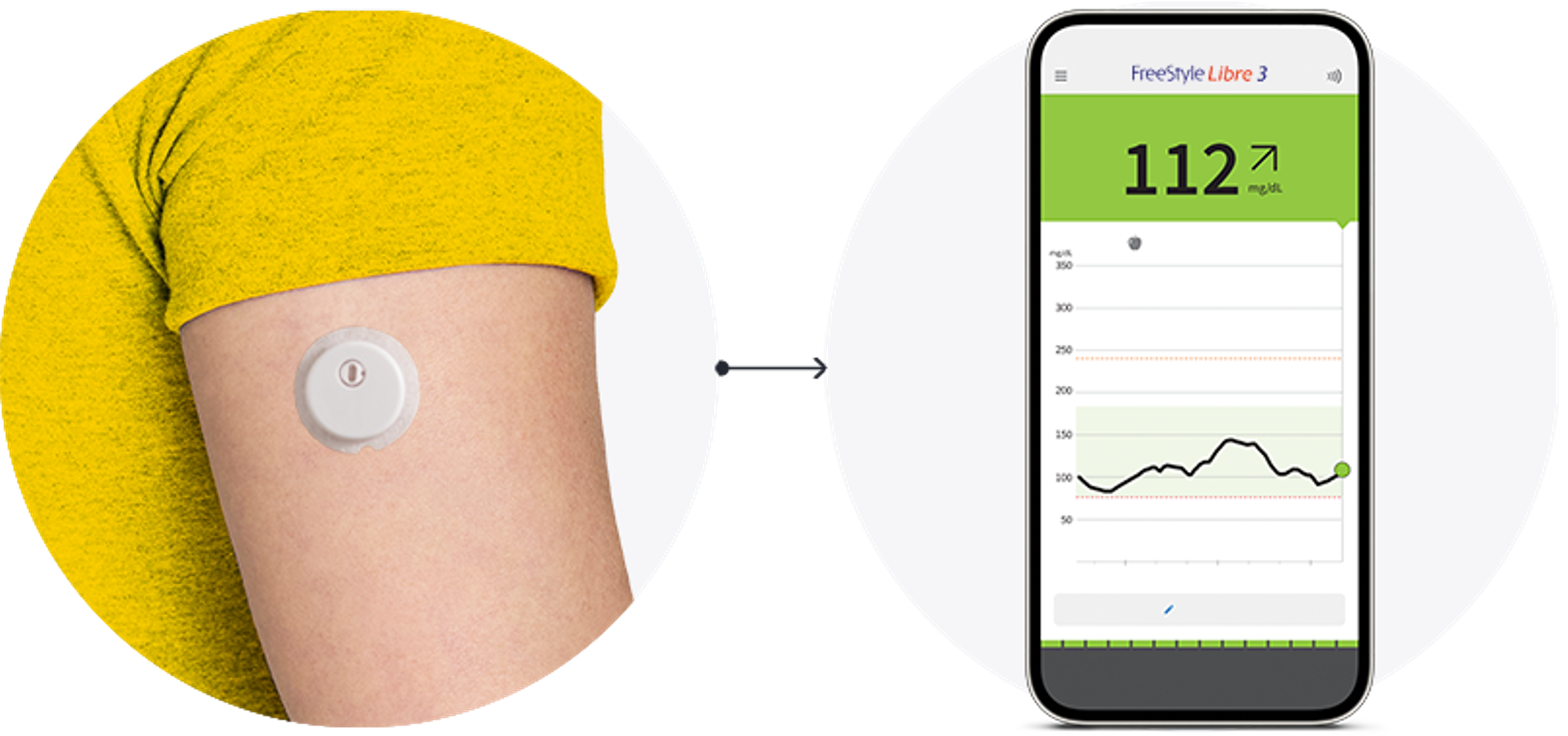
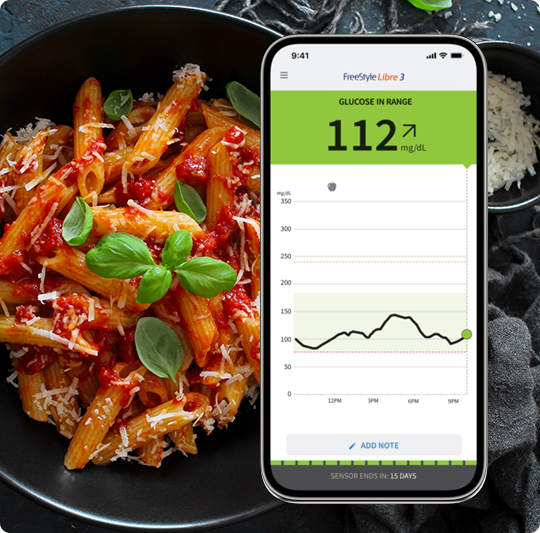
Living with diabetes on your terms is about to begin. Here, you'll discover just how easy FreeStyle Libre system is to apply, activate, and use2,4.
An illustration of a man pointing at three icons on a phone. In front of the phone is a FreeStyle Libre reader and sensor.

What you need to know.

Applying your new sensor is a lot easier than you might think – and it doesn’t require 
painful finger pricks10. So, why wait another moment? Let’s get started. 

To begin, select an area on the back of your upper arm and follow these steps:

An illustrated woman facing sideways and pointing to two highlighted areas on the upper arms, showing where to select the sensor site.
Step 1

Select site on back of upper arm.

An illustrated woman holding a bottle and washing the upper arm, representing cleaning the sensor site with plain soap and water.
Step 2

Wash site using plain soap and water, then towel dry.

An illustrated wife wiping the upper arm with an alcohol pad, demonstrating how to clean and prepare the site before applying the sensor.
Step 3

Clean the area with an alcohol wipe and air dry.

Once you’ve prepared the back of your upper arm,
apply the sensor using the applicator.

An illustrated woman placing a sensor applicator on the upper arm and pushing down firmly to apply the sensor at the prepared site.
Step 1

Place the sensor applicator over the prepared site and push down firmly.

An illustrated woman raising the arm to show the newly attached sensor on the upper arm after completing the application step.
Step 2

The sensor should now be attached to your skin.

An illustrated woman pressing gently around the edge of the applied sensor with a finger to ensure it is secure on the upper arm.
Step 3

Secure by pressing down gently with your finger around the edge.

Once your sensor is applied, you need to pair it with your FreeStyle Libre 3 app35

An illustration of someone pressing the Scan New Sensor icon on their phone.
Step 1

Press “Scan New Sensor” on your app35.

An illustrated woman holding a smartphone near the sensor on the upper arm, showing how to slowly scan to begin sensor activation.
Step 2

Hold your device near the sensor and slowly scan it.

An illustrated woman holding a smartphone close to the sensor, with lines indicating a beep or vibration during sensor activation.
Step 3

You will hear a beep or feel a vibration upon activation.

A smartphone screen showing a 60‑minute countdown, indicating the warm‑up time before the sensor can be used for glucose checking.
Step 4

The sensor can be used to check your sugar after 

60 minutes. 

Your device will alert you when it’s time to replace your sensor. To remove it:

An illustrated woman lifting the adhesive edge of a sensor on the upper arm and beginning to peel it away from the skin.
Step 1

Pull up the adhesive edge, then slowly peel it off the skin.

An illustrated woman holding a small container and applying a soft moisturizer to the upper arm area to help loosen the sensor.
Step 2

A soft moisturizer can make it easier to remove.

An illustrated woman raising the arm while holding a new sensor, representing discarding the old sensor and preparing to apply a replacement.
Step 3

Discard the used sensor and apply the new one as you did before.

View video for full details.

You may also download these 

helpful guides for more information.

Stay up to date with the latest information

If you would like to receive the latest news about our products, updates to our digital solutions, online education and events, and diabetes.

A woman wearing a Freestyle Libre sensor balancing on an exercise ball while smiling broadly.

You might also like:

Loading...