
LibreLinkUp

LibreLinkUp21,205 is an app that allows family, friends, 
or caregivers to share in your diabetes journey 
and help you achieve success. 
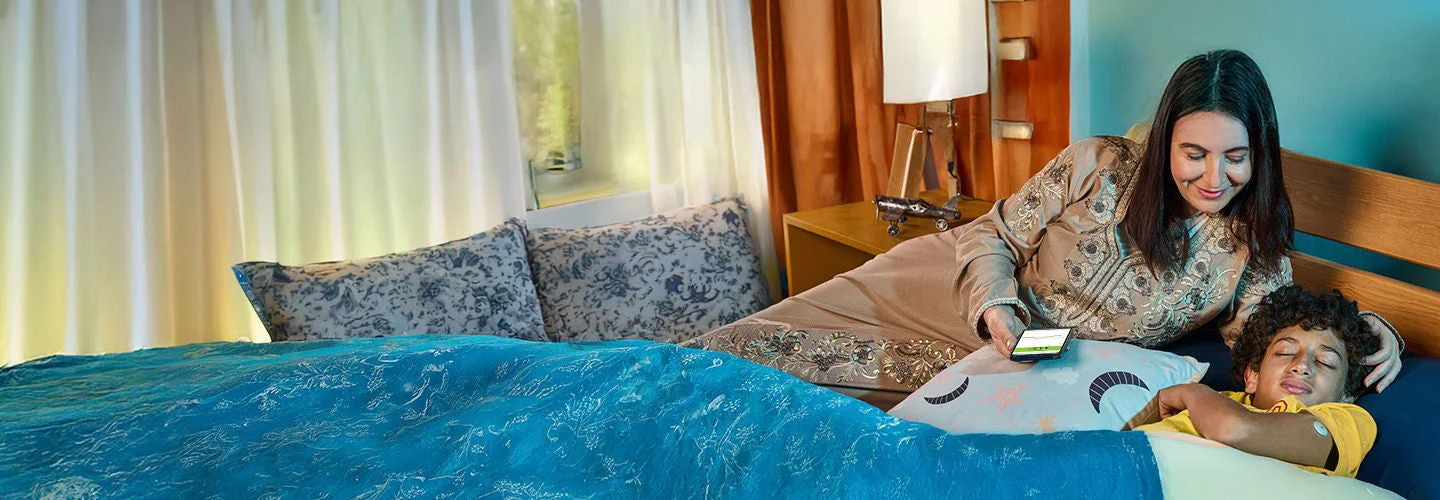
An adult sitting beside a child who is lying in bed, holding a smartphone that displays light on the bedding in a room with curtains and pillows.
A child seated at a classroom desk writing in a notebook with a FreeStyle Libre sensor on the upper arm and students working in the background.

Share21,25 your sugar readings with the ones who count.

LibreLinkUp provides a simple, safe, and secure way to share your readings with others. It gives them added peace of mind3 knowing they can support you better.

  • Free and compatible with the FreeStyle Libre 3 app35
  • Invite up to 20 family members, friends, 
or caregivers to connect21
  • Once connected, they get automatic25 uploads 
of your sugar readings

Getting started with LibreLinkUp.

To allow others to have access to your sugar data, you’ll need to: 
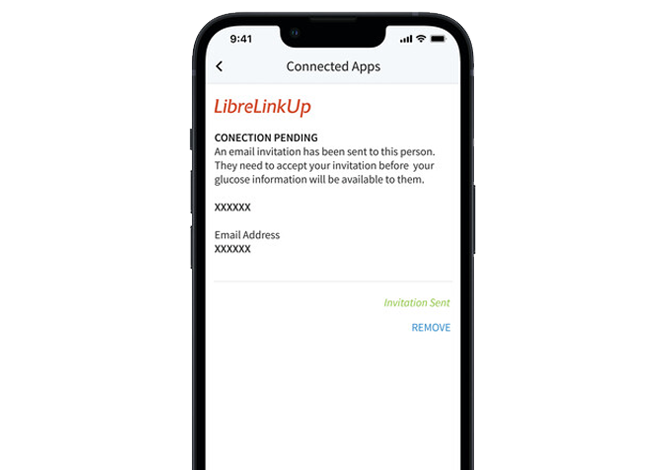
A smartphone screen showing the FreeStyle Libre app invitation page, representing the step for sending an invite to connect.
Send an invite.

Choose who you want to connect21 with and send them an invite with your FreeStyle Libre 3 app13,35.

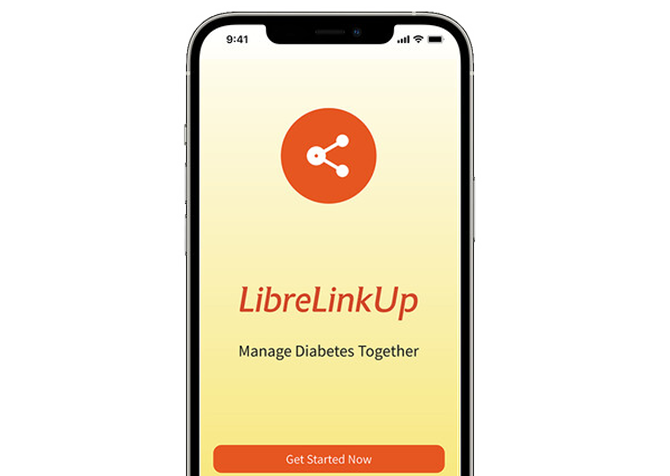
A smartphone screen displaying the LibreLinkUp download page with an orange share icon, showing the step to install the app.
Have them download the app.

Once your connections receive the invite, they’re ready to download the LibreLinkUp app.
A smartphone screen with an orange share icon, representing the step where users connect securely through the LibreLinkUp app.
Connect with each other.

When they open the app, they can follow the prompts to create a secure account and connect with you21.
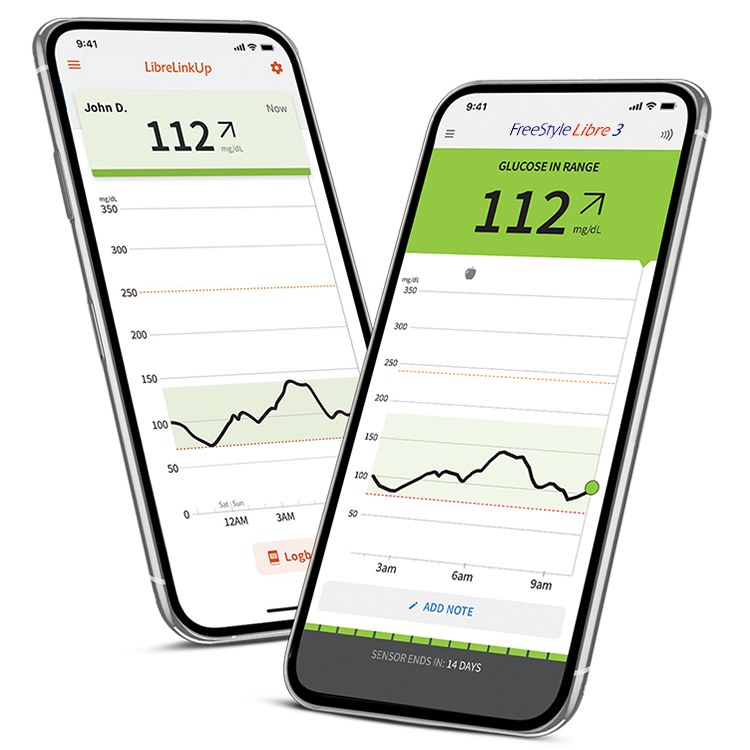

Two smartphones displaying FreeStyle Libre glucose readings of 112 mg/dL with trend graphs, shown against a yellow and white circular background.

LibreLinkUp25 lets you

share your progress.

With a secure built-in share feature, you can  invite your loved ones to remotely21,25 track your sugar data and trends in real time from their smartphone35.

Each family member or caregiver you decide to add will need to download the LibreLinkUp app to get started. 

A headphone icon.

We’re here to help.

Get all the support and guidance you need when you need it.

You might also like: