

How to Download FreeStyle LibreLink in Ireland on iPhone
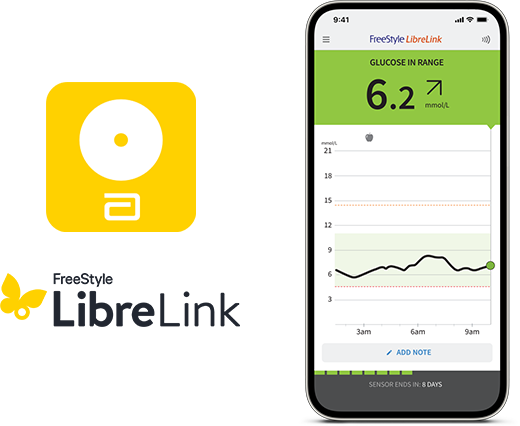
Step-by-step on how to download the LibreLink app and get started with your FreeStyle Libre 2 system
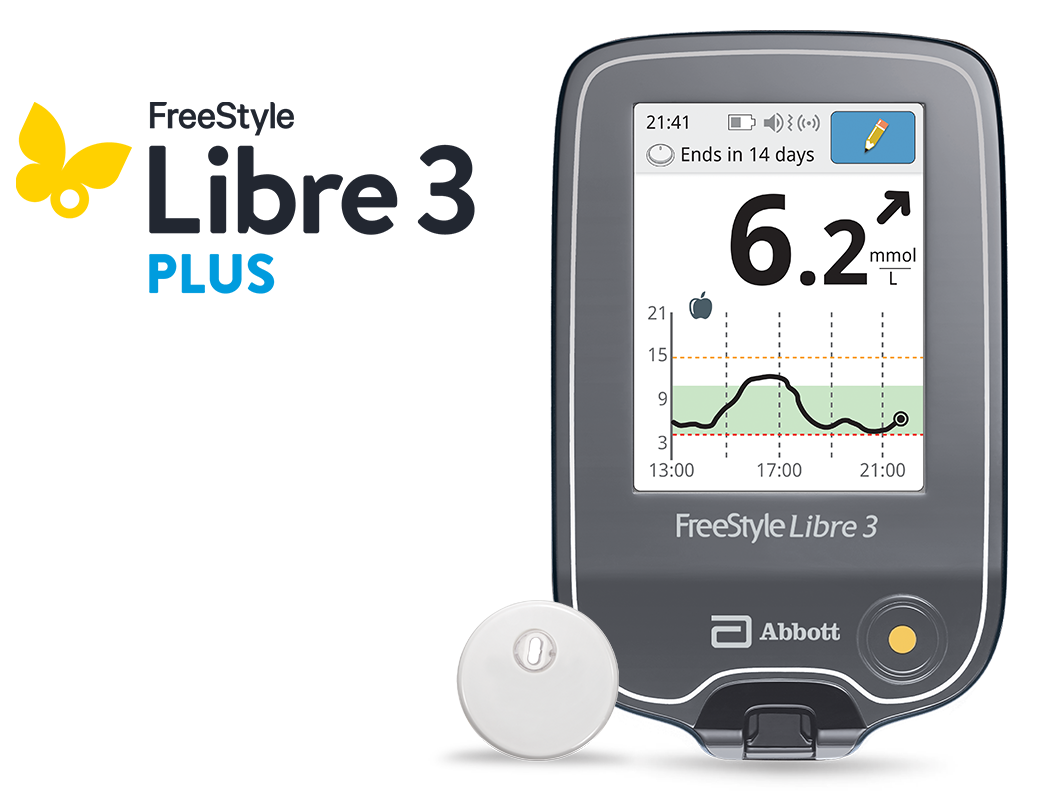
The Libre 3 Plus 15-day sensor delivers minute-by-minute glucose readings and is authorised to work with the mylife Loop AID system.
Speak to your healthcare professional for more information.
Discover more >
ADC 119545 v1.0

5-7 day delivery (Estimated standard delivery)
All payments are secure and encrypted
Your cart is empty
Do you want to shop our Products?
Explore our FreeStyle Libre 2 Sensor and add it to your Cart.

The Libre 3 Plus sensor works with the Libre 3 reader to constantly monitor your glucose levels.
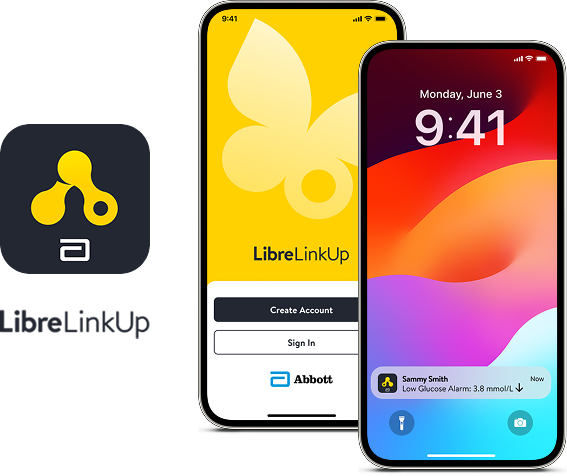
With the LibreLinkUp app§, your family and friends can get your sugar readings sent to their smartphone and can set their own minute-to-minute alarms.ǁ Ideal for parents and caregivers, the LibreLinkUp mobile app allows them to keep up-to-date with your glucose levels, wherever you are.ǁ
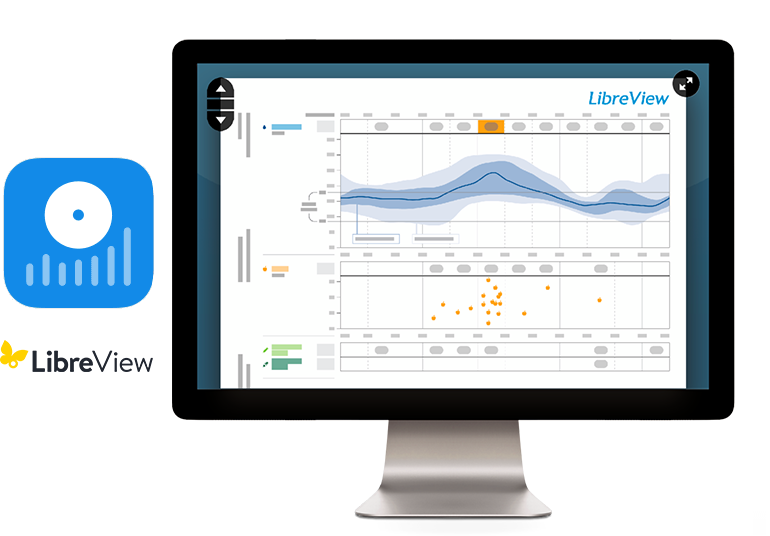
LibreView is our cloud-based diabetes management system that gives you and your Healthcare Team access to your glucose data.₼
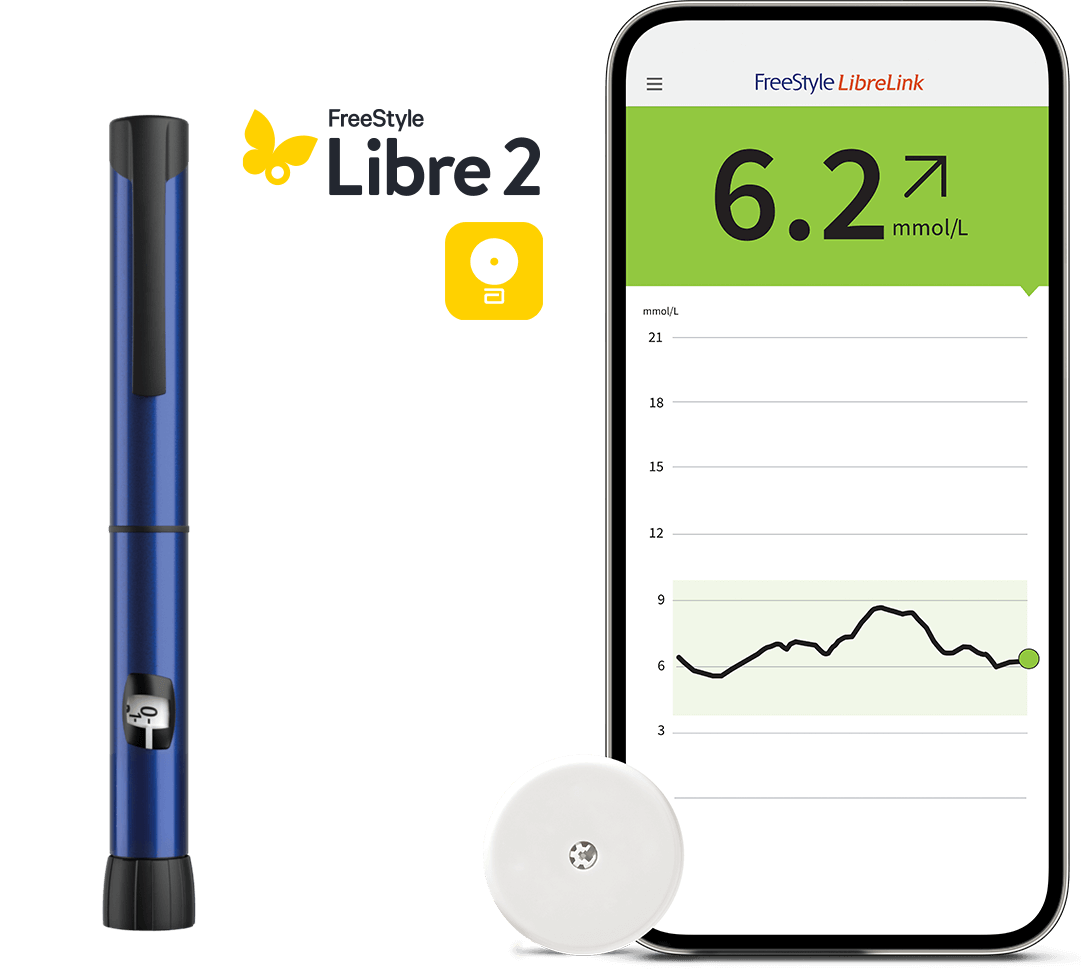
The FreeStyle LibreLink app now integrates with smart connected insulin pens.1,2 One scan connects insulin doses and glucose.
Minute-to-minute glucose readings— combined with the mylife Loop automated insulin delivery system—for easier diabetes management for your patients.3

Video Tutorials
Step-by-step on how to download the LibreLink app and get started with your FreeStyle Libre 2 system

References & Disclaimers
Images are for illustrative purposes only. Not real patient or data.
FreeStyle, Libre, and related brand marks are marks of Abbott. Mylife and YpsoPump are registered trademarks of Ypsomed AG. CamAPS is a registered trademark of CamDiab Ltd. Other trademarks are the property of their respective owners.
◊ The FreeStyle LibreLink app is only compatible with certain mobile devices and operating systems. Please check the website for more information about device compatibility before using the app. Sharing of glucose data requires registration with LibreView.
¤ Glucose readings are automatically displayed in the app only when the smartphone and sensor are connected and in range.
₼ The LibreView data management software is intended for use by both patients and healthcare professionals to assist people with diabetes and their healthcare professionals in the review, analysis and evaluation of historical glucose device data to support effective diabetes management. The LibreView software is not intended to provide treatment decisions or to be used as a substitute for professional healthcare advice.
§ The LibreLinkUp app is only compatible with certain mobile devices and operating systems. Please check www.librelinkup.com for more information about device compatibility before using the app. Use of LibreLinkUp requires registration with LibreView. The LibreLinkUp mobile app is not intended to be a primary glucose monitor: home users must consult their primary device(s) and consult a healthcare professional before making any medical interpretation and therapy adjustments from the information provided by the app.
‡ 60-minute warm-up required when applying the sensor.
₸ Sensor is water resistant in up to 1 metre (3 feet) of water for a maximum of 30 minutes. Do not immerse longer than 30 minutes. Not to be used above 10,000 feet.
ǁ The user’s device must have internet connectivity for glucose data to automatically upload to LibreView and to transfer to connected LibreLinkUp app users.
1. The FreeStyle LibreLink app is only compatible with NovoPen® 6 and NovoPen Echo® Plus.
2. The FreeStyle Libre 3 Plus sensors are authorised to work with the mylife Loop automated insulin delivery system, including the mylife CAM APS® FX app and mylife YpsoPump insulin pump. For use of the FreeStyle Libre 3 Plus sensors with the mylife Loop, refer to the labeling provided with the mylife CAM APS® FX app. Mylife and YpsoPump are registered trademarks of Ypsomed AG. CamAPS is a registered trademark of CamDiab Ltd. Other trademarks are the property of their respective owners.
3. In order for your patients to transfer their recorded insulin doses from their compatible smart insulin pen to the FreeStyle LibreLink app, they should hold the pen to the top of the iPhone or hold the pen to the back of the Android Phone. The user may need to try scanning with different areas to find the right spot.
This site is protected by reCAPTCHA and the Google Privacy Policy and Terms of Service apply.