.svg)






Discover the FreeStyle Libre systems — glucose monitoring without finger pricks† for people living with type 1 and type 2 diabetes.
The Libre 3 Plus 15-day sensor delivers minute-by-minute glucose readings and is authorised to work with the mylife Loop AID system.
Speak to your healthcare professional for more information.
Discover more >
ADC 119545 v1.0





5-7 day delivery (Estimated standard delivery)

All payments are secure and encrypted

Your cart is empty
Do you want to shop our Products?
Explore our FreeStyle Libre 2 Sensor and add it to your Cart.
Discover the FreeStyle Libre systems — glucose monitoring without finger pricks† for people living with type 1 and type 2 diabetes.
For patients with type 1 or type 2 diabetes looking for an easy way to confidently monitor their glucose levels1,2 |
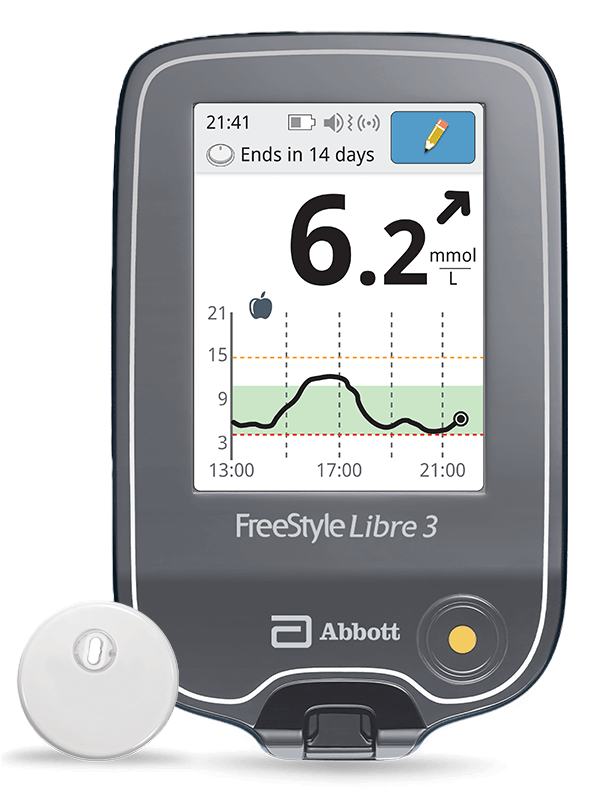
For patients with type 1 diabetes looking for the most advanced and discreet continuous glucose monitoring (CGM)3 |
 |  |
Manage your diabetes with
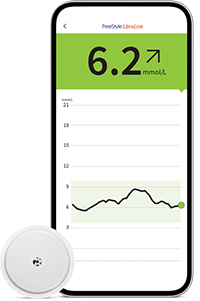
See the impact of your food, activity and medication choices to manage your glucose levels with more confidence. | The world's smallest3,4
Know sooner. Act faster. Be ready to avoid low glucose with our strong and reliable connectivity.3 |
Libre 2 Plus sensor4 | Libre 3 Plus sensor5 | |
Calibration needed | None | |
Wear duration | 15 days | |
Size | Small Only 35mm in diameter and 5mm in height | World's smallest and thinnest3,4 Smaller than two stacked 5-cent Euro coins |
Sensor Reading Frequency | Every 1 min | |
Glucose data transfer |
| |
Optional glucose alarmsǁ | High, Low & Signal Loss | |
Sensor Data Storage | 8 hours | 15 days |
Bluetooth range | 6m | 10m |
Paediatric indication | 2 years and olderΔ | |
Partnerships | NovoPen® 6 or NovoPen Echo® Plusˇ | mylife Loop Automated Insulin Delivery System |

Discover how the Libre ecosystem of products work together seamlessly to offer easily shared glucose data and insights*
References & Disclaimers
Images are for illustrative purposes only. Not real patient or data.
1. Haak, T. Diabetes Ther (2017): https://doi.org/10.1007/s13300-016-0223-6.
2. Fokkert M. BMJ Open Diab Res Care (2019): http://dx.doi.org/10.1136/bmjdrc-2019-000809.
3. Data on file, Abbott Diabetes Care, Inc.
4. Among patient-applied sensors.
5. FreeStyle Libre 2 User Guide.
6. FreeStyle Libre 3 User Guide.
7. Based on product features including up to 15-day wear period, automatic readings every minute, accuracy data, and single-app setup with AID systems.
^ The FreeStyle Libre 3 Plus sensor is authorised for use with the mylife Loop automated insulin delivery system, including the mylife CamAPS® FX app and mylife YpsoPump insulin pump. For use of the FreeStyle Libre 3 Plus sensor with the mylife Loop, refer to the labeling provided with the mylife CamAPS® FX app.
† Finger pricks are required if glucose readings and alarms do not match symptoms or expectations.
◊ The FreeStyle LibreLink app is only compatible with certain mobile devices and operating systems. Please check the website for more information about device compatibility before using the app. Use of FreeStyle LibreLink may require registration with LibreView.
¤ Glucose readings are automatically displayed in the FreeStyle LibreLink app only when the smartphone and sensor are connected and in range.
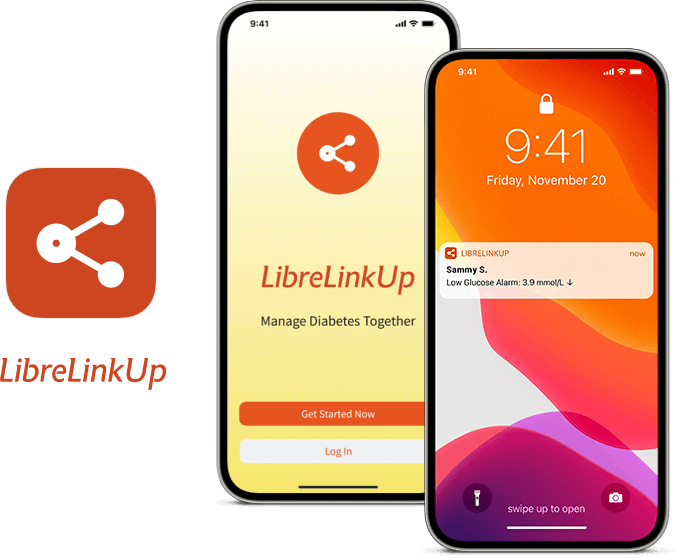
§ The LibreLinkUp app is only compatible with certain mobile devices and operating systems. Please check www.librelinkup.com for more information about device compatibility before using the app. Use of LibreLinkUp requires registration with LibreView. The LibreLinkUp mobile app is not intended to be a primary glucose monitor: home users must consult their primary device(s) and consult a healthcare professional before making any medical interpretation and therapy adjustments from the information provided by the app.
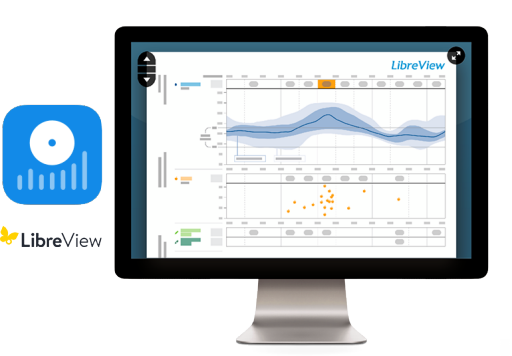
₼ The LibreView data management software is intended for use by both patients and healthcare professionals to assist people with diabetes and their healthcare professionals in the review, analysis and evaluation of historical glucose device data to support effective diabetes management. The LibreView software is not intended to provide treatment decisions or to be used as a substitute for professional healthcare advice.
* The user’s device must have internet connectivity for glucose data to automatically upload to LibreView and to transfer to connected LibreLinkUp app users.
ˇ In order for your patients to transfer their recorded insulin doses from their compatible smart insulin pen to the FreeStyle LibreLink app, they should hold the pen to the top of the iPhone or hold the pen to the back of the Android Phone. The user may need to try scanning with different areas to find the right spot.
ǁ For FreeStyle Libre 2 system users: Notifications will only be received when alarms are turned on and the sensor is within 6 meters unobstructed of the reading device. For FreeStyle Libre 3 system user: Notifications will only be received when alarms are turned on and the sensor is within 10 meters unobstructed of the reading device.
Δ For children aged 2-12, a caregiver at least 18 years old is responsible for supervising, managing, and assisting them in using the FreeStyle Libre systems and interpreting its readings
ADC-57762 v6.0
The “Yes” link below will take you to a website other than Abbott Laboratories. Links pointing you to other websites are not under the control of Abbott Laboratories, and Abbott Laboratories is not responsible for the content of such websites or other links contained on such website. Abbott Laboratories provides these links only as a courtesy and the inclusion of any link does not imply endorsement by Abbott Laboratories of the site.
Do you want to leave this page?