

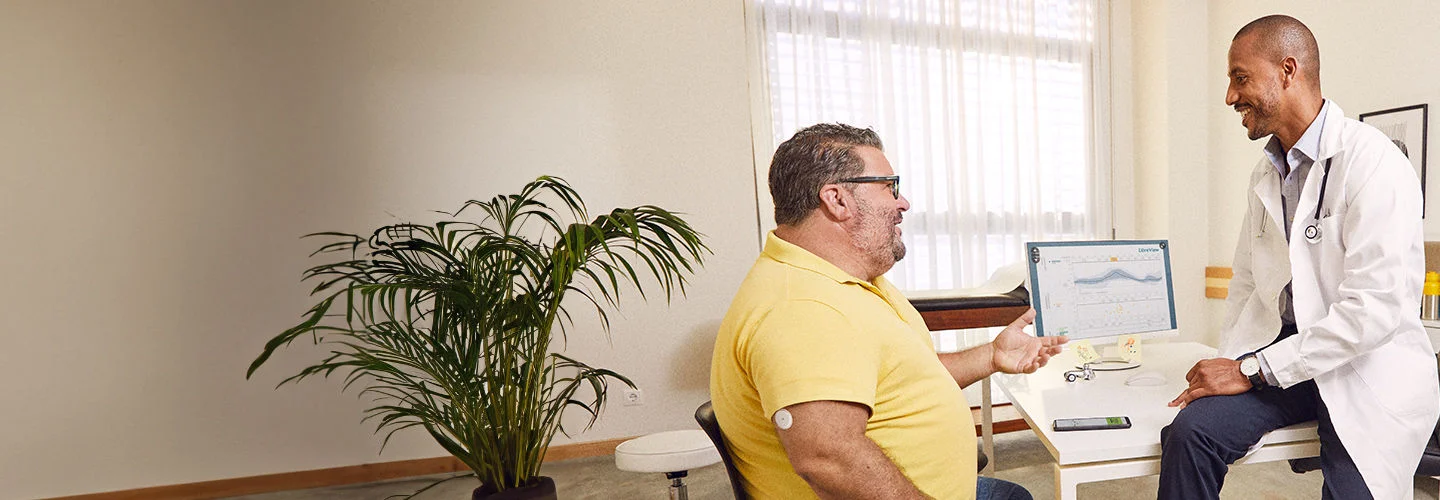
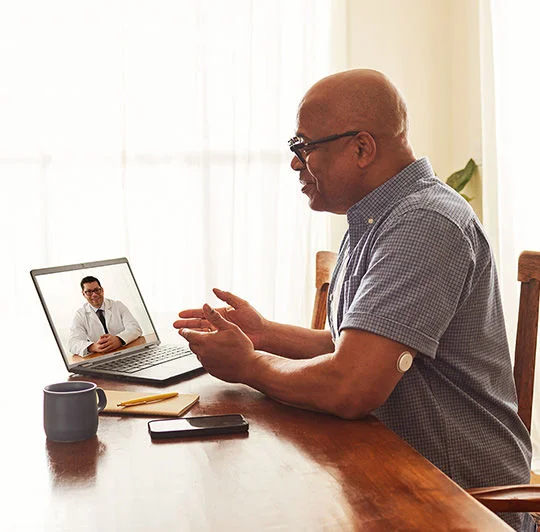
When your healthcare team has your data, they can help you make progress16,17.
Setting up your LibreView account.
You can use your FreeStyle Libre systems app12 or sign up online at LibreView.com to create an account.
There are two ways to connect with your provider:
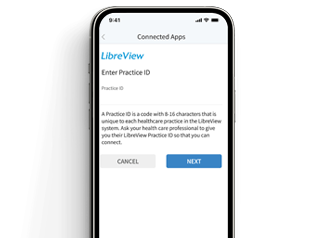
Option 1: Enter Practice ID
Ask your healthcare provider for their LibreView
Practice ID, enter the code into the field provided in your app or in your LibreView account online, and follow the prompts.
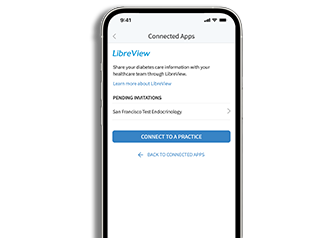
Option 2: Email invitation
Ask your healthcare provider to invite you to share26 your data. Click Accept Invitation in the email, follow the prompts, and your glucose data will automatically be shared.
Learn from others who have been there.


"With Freestyle Libre, I can now monitor my glucose levels even in school to help me predict hypoglycemic events and share the readings with my parents. This allows me to play all the games I love without having to worry anymore."

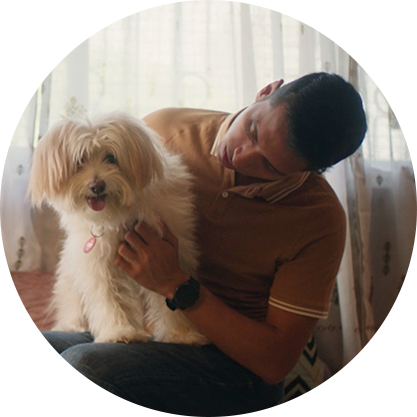
"Earlier, I didn't have the energy to walk up a flight of stairs. With FreeStyle Libre, I can track and share my glucose levels, avoid low glucose and manage my energy levels. The best part is that my parents worry less."


We’re here to help.
Get all the support and guidance you need when you need it.
You might also like:

Diabetes is a balancing act. We can help.
Are you currently using FreeStyle Libre or starting your first sensor and looking to learn more about managing your glucose and diabetes?
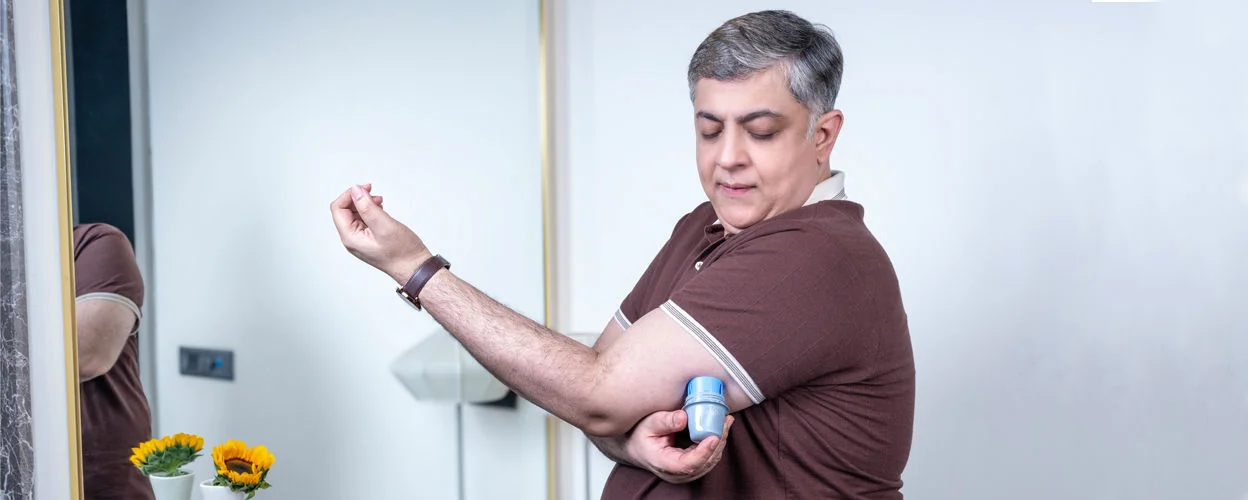

Every glucose reading tells a story.
FreeStyle Libre systems give you a complete picture17 of where your glucose is and where it’s headed so you can see what affects your glucose levels.
ADC-104490 v1.0