Keep your support network informed

Share98 glucose data with family, friends, and healthcare professionals, from anywhere. 
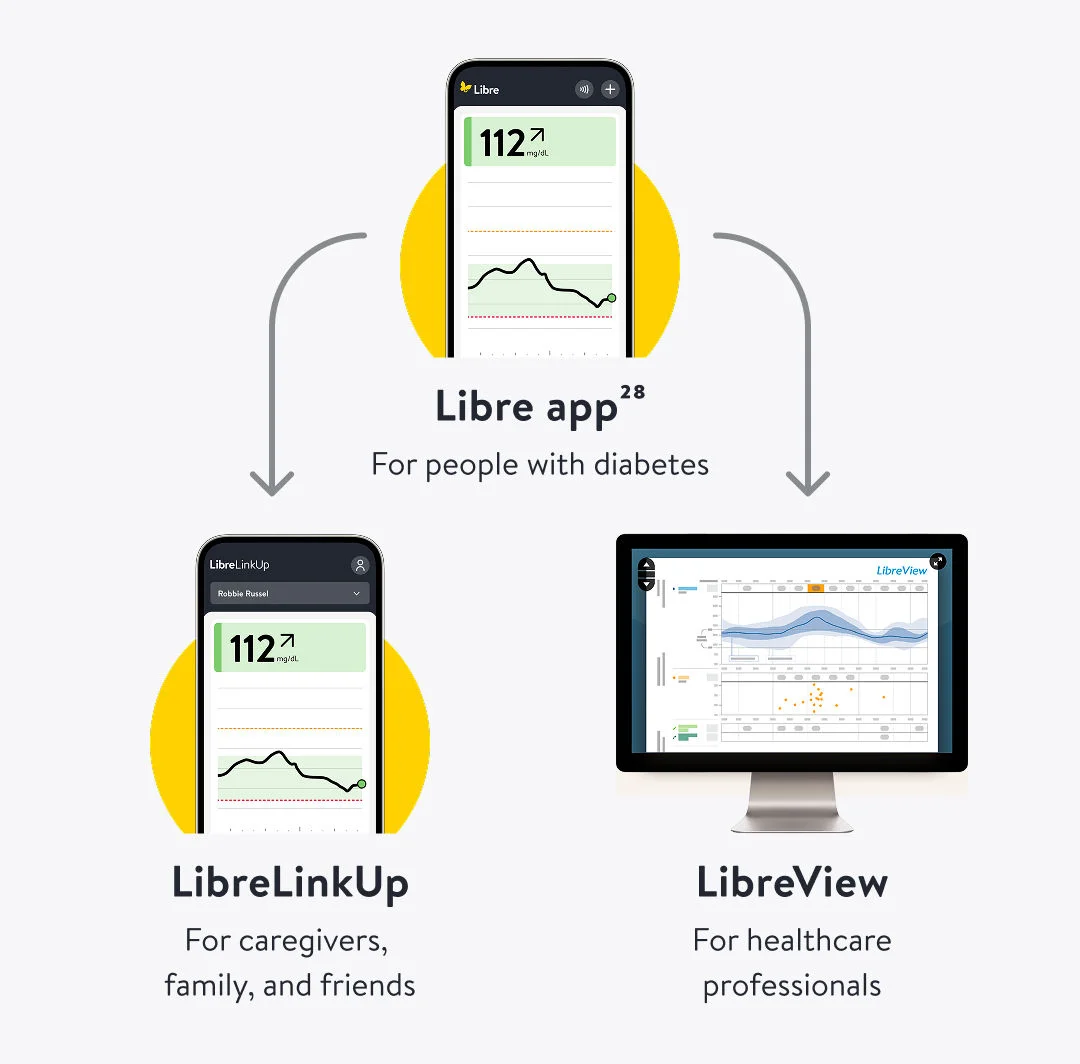
Two phones, each displaying a different screen from the FreeStyle Libre app.
Butterfly FreeStyle

Sharing data

Your Libre app works with the LibreLinkUp76 and LibreView29 features to help you share98 data when you need to with those who matter.

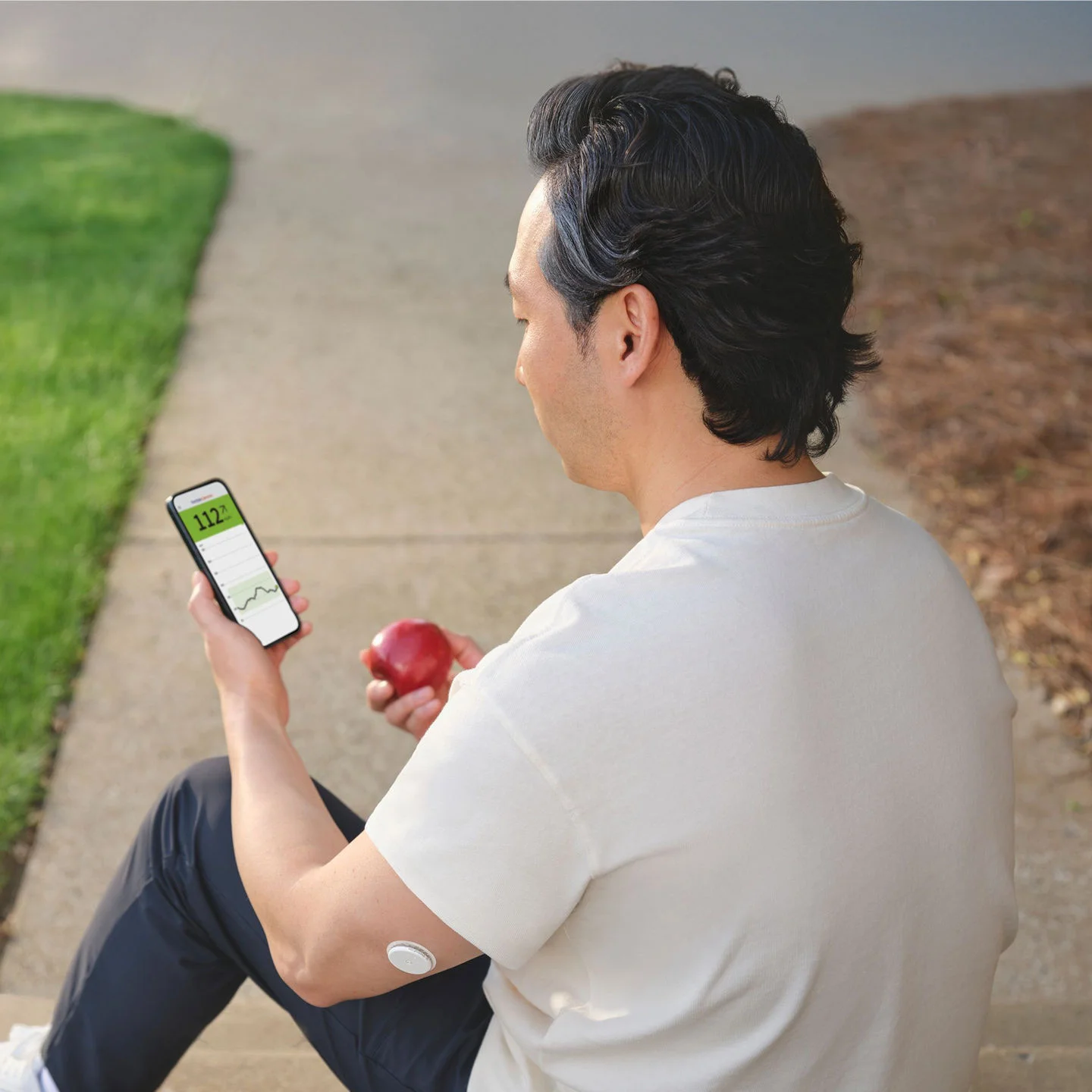
A woman wearing a sensor showing her glucose data on her phone with her husband.

Getting started with LibreLinkUp76.

LibreLinkUp76 lets family, friends, and caregivers follow glucose readings and alarms in real-time2, so you can support, understand, and celebrate progress together.

Learn about LibreLinkUp76

Watch the video to get started with LibreLinkUp76.

If you use a reader, you’ll need to sign up for the Libre app in order to share your glucose data through LibreLinkUp76.

What is the LibreLinkUp76 app?

Connecting with loved ones

To start using LibreLinkUp76and sharing data with loved ones, follow the instructions in the video.

How do I get started and share my glucose data with my loved ones?

Customizing alarms.

Caregivers can set up personalized alarms to be alerted if your connection crosses the threshold that you set. Set up alarms by following the instructions in the video.

How do I customize LibreLinkUp alarms?

Getting started with LibreView29.

LibreView29 allows you to share98 glucose data with healthcare professionals, leading to more informed doctor’s visits.

Keeping care teams informed with LibreView29.

To start sharing your glucose data with healthcare professionals, you’ll need to create an account. Follow the video for guidance.

Keeping care teams informed with LibreView29.

What is a LibreView29 account?

Connecting with care teams

Learn how to share your glucose data with your healthcare professional in this video.

How do I share my glucose data with my doctor?

FAQs

Have questions? We’ve got answers to help.

LibreView29 is used to manage your FreeStyle LibreLinkUp76 account information and enables detailed reporting and data sharing98 with your healthcare professional. Once the app is installed and you accept the terms of use, you will need to create a LibreView account to start using the app.

No, LibreLinkUp76 is not intended to provide data for medical decision-making. The LibreLinkUp app is a secondary viewer that enables the sharing98 of glucose data for information only and is not intended as a substitute for FreeStyle LibreLinkUp app28 or the advice of a healthcare professional. 

Individuals using LibreLinkUp to receive information about persons with diabetes should always confirm the data received with the individual sending the data and consult a healthcare professional if they have any queries or concerns about diabetes management.


Yes, if you are connected to your Healthcare Provider’s LibreView29 practice under the "Share my Health Data" section, your glucose readings will be shared98 with the HCPs LibreView29 practice and made visible on the LibreView29 reports.

If you successfully installed LibreLinkUp and set up your account, but do not see a notification from the FreeStyle LibreLink76 or Libre app28 user, make sure that your phone has an active Internet connection (Wi-Fi or mobile) and your phone settings allow you to receive notifications. If you still do not see an invitation and you know that the invitation was sent, ask the FreeStyle LibreLink app or FreeStyle Libre system user who invited you to send a new invitation to the email address that you used when installed LibreLinkUp76.

Looking for more guidance?

ADC-123490 v1.0