FreeStyle Libre basics

Tips for applying, removing, and setting up your FreeStyle Libre sensor.
 FreeStyle Libre 2 reader showing a glucose reading
Butterfly FreeStyle

Let’s get you set up.

You can count on the FreeStyle Libre system with its proven accuracy103 for your most important glucose decisions. 
 

Our sensor doesn’t require [fingerpricks/fingersticks]5 calibration, and your FreeStyle Libre sensor is compatible with your smartphone28, giving you data you can access from anywhere. Here’s what you need to know to get started.

Applying and removing your sensor.

For an easy sensor application and removal, follow these simple steps.
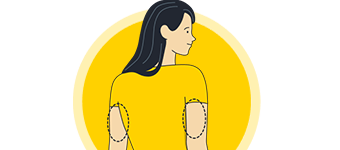
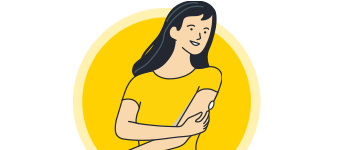
An illustration of a woman with the back of her arms circled to show where a FreeStyle Libre sensor would be applied.
Step 1

Select an area on the back of your upper arm.

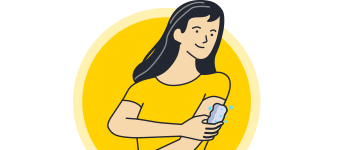
 An illustration of a woman washing her arm.
Step 2

Wash the area using plain soap and water, then towel dry.

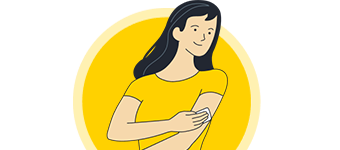
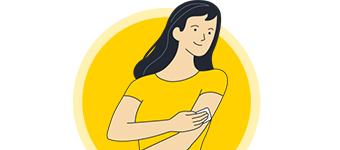
An illustration of a woman cleaning her arm with an alcohol wipe.
Step 3

Clean the area with an alcohol wipe and air dry.

Next, apply the sensor using either the two-piece or one-piece applicator.

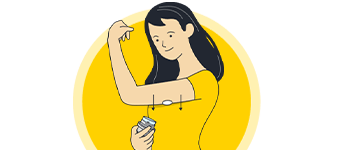
An illustration of a woman placing a FreeStyle Libre sensor on the back of her upper arm.
Step 1

Place the applicator over the prepared site and push down firmly.

An illustration of a woman applying a FreeStyle Libre sensor on the back of her upper arm.
Step 2

The sensor should now be attached to your skin.

An illustration of a woman securing her FreeStyle Libre sensor to her arm by pressing down gently with her fingers on the edge.
Step 3

Secure it by pressing down gently around the edge with your finger.

Your device will alarm you when it’s time to replace your sensor. To remove it:

An illustration of a woman removing the adhesive edge from her FreeStyle Libre sensor.
Step 1

Pull up the adhesive edge, then slowly peel it off the skin.

An illustration of a woman using moisturizer to remove her FreeStyle sensor.
Step 2

Using a soft moisturizer can make removal easier. 

An illustration of a woman with a new FreeStyle Libre sensor attached to her arm.
Step 3

Discard your used sensor and apply the new one as you did before.

Tips for keeping your sensor in place.

Easy does it.

Try not to catch your sensor on doorways, car doors, and seat belts. Avoid touching it once on.

Wear it comfortably.
Careful when dressing—give the sensor room to breathe with lightweight, loose-fitting clothes.

It’s water-resistant.

Avoid submerging the sensor more than 3 feet or for more than 30 minutes at a time. Gently pat it dry.

Play it safe.

Try an over-bandage if playing contact sports. Use skin adhesive if sweating loosens the sensor.

For tips applying and keeping your sensor in place, use our Adhesion Guide

Starting your sensor. 

Before starting your sensor, you’ll want to download the Libre app28 onto your phone.
A woman wearing a Freestyle Libre sensor balancing on an exercise ball while smiling broadly.

Step 1
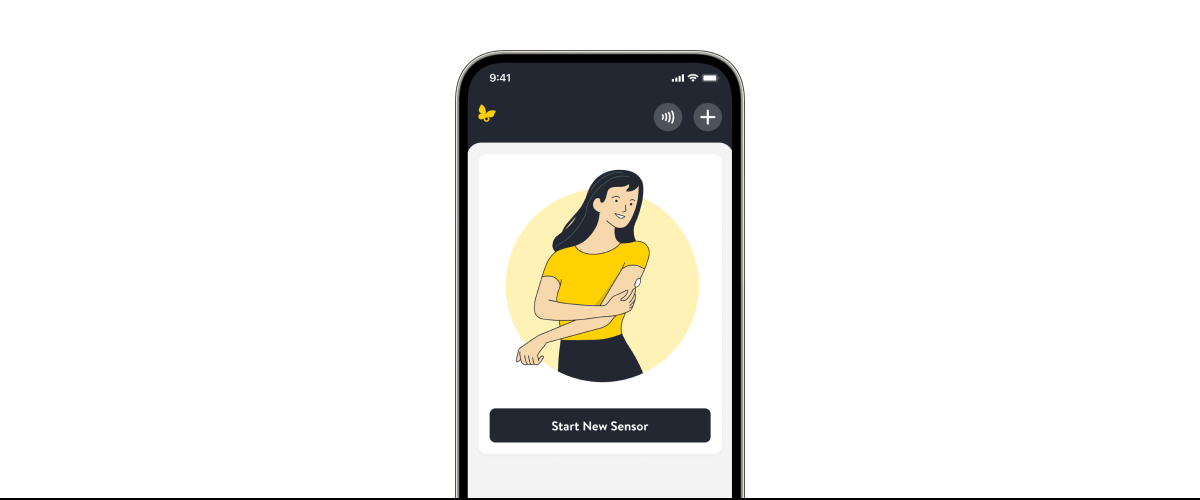
From the app’s Main Menu, tap Start New Sensor

A woman wearing a Freestyle Libre sensor balancing on an exercise ball while smiling broadly.

Step 2
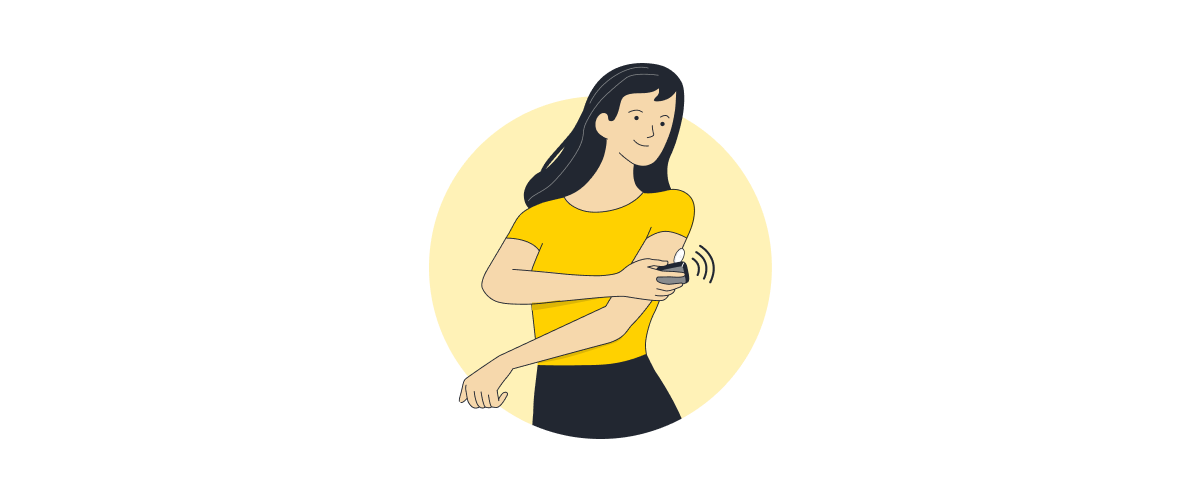
Scan your sensor
by touching it with the top of your smartphone. You’ll receive a tone and vibration when you’ve successfully started it.

A woman wearing a Freestyle Libre sensor balancing on an exercise ball while smiling broadly.

Step 3
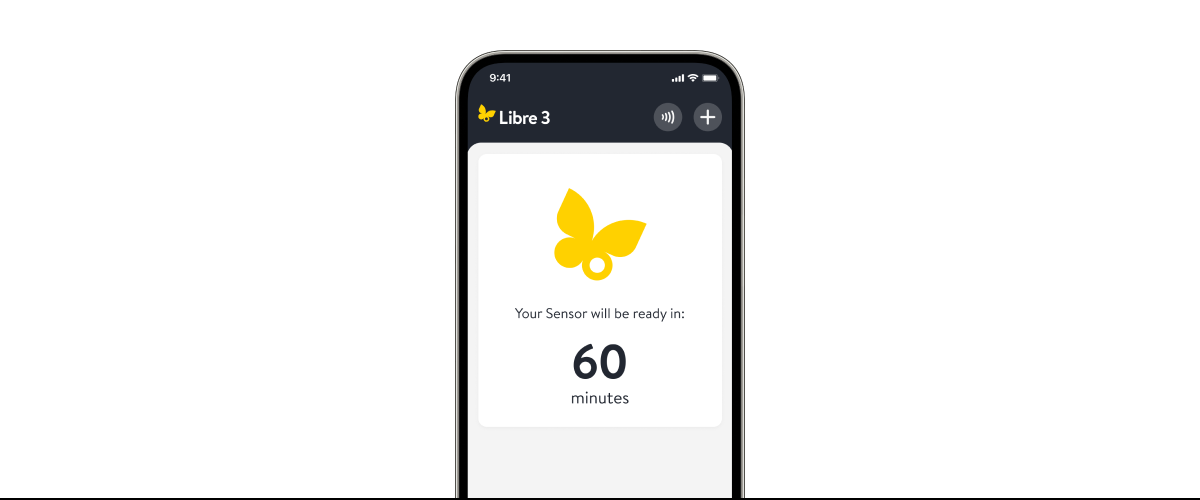
The sensor can be used to check your glucose after a 60-minute warm-up period2. If notifications are turned on, you will automatically receive a notification when your sensor is ready.

Watch our short guides for more help.

Applying and removing your sensor

Applying and removing your sensor
Step-by-step for applying your sensor.
Using your sensor
How to use your sensor.
Understanding your home screen
Reading your app’s home screen.


Integrating your pumps and smart pens.

By integrating compatible insulin pumps, smart insulin pens, and pen caps with FreeStyle Libre systems, you can get minute-to-minute2 glucose readings, enabling safer, more responsive insulin delivery.
 FreeStyle Libre 2 reader showing a glucose reading

FAQs

Have questions? We’ve got answers to help.

Your sensor is designed to stay in place for its full wear duration. If it ever loosens early, it’s usually due to skin issues or bumping into things. Residual oils on the skin, sweat from intense movement, or the sensor getting knocked or tugged during daily activity might cause it to loosen.

If loosening happens or feels like it isn’t secure, we’re here to help. 

  • First, refer to our helpful  Adhesion Guides [Link to local version of adhesion guide, ADC-86878] for troubleshooting. The guide can give you tips on applying and removing your sensor properly.
  • If your sensor falls off or if you Libre app28 displays a “Replace Sensor” message before the expected wear time ends, please reach out to Customer Service—we’re here to help. 
  • [Complete the quick online sensor support request form] or contact our Customer Care Team at [855-632-8658]. We’ll help you troubleshoot your sensor issues and ensure you don’t encounter the same problem in the future.

[The FreeStyle Libre 2 sensor is 5mm in height and 35mm in diameter.] [The FreeStyle Libre 3 Sensor is even smaller at just 2.9mm in height and 21mm in diameter.]

The portion of the sensor that gets placed on the skin is less than 0.4 mm wide and is inserted only about 5mm under the skin. 

[In a study conducted by Abbott Diabetes Care, both children and adults generally found the FreeStyle Libre 2 system easy and comfortable to wear103.] 

[In a study conducted by Abbott Diabetes Care, FreeStyle Libre 3 users found the sensor comfortable and easy to wear. Almost everyone who responded to questions said putting the sensor on was easy, that it hurt less than a [fingerstick/fingerprick] test, and almost all users said wearing the sensor itself was painless103.]
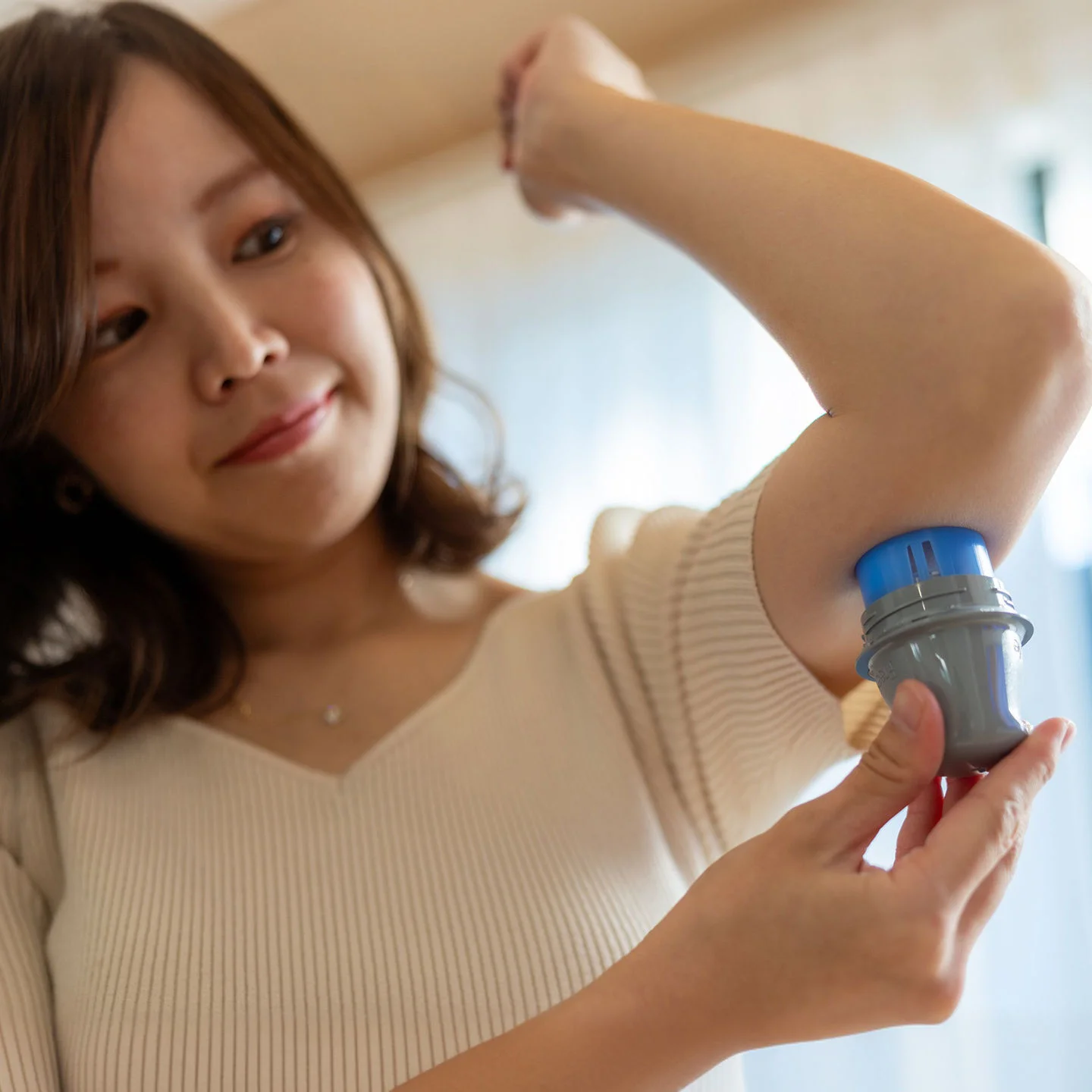

Your [FreeStyle Libre system] sensor takes one hour to calibrate to your body and collect the proper data to start providing reports.

Your CGM is ready to use without [fingerstick/fingerprick5] calibration, so you won’t need routine BGM checks. 

That said, if your symptoms don’t match what your CGM readings are showing, [or if you see a “Check Blood Glucose” symbol in the Libre app28 during the first 12 hours of using your [FreeStyle Libre sensor]], a quick [fingerstick/fingerprick] test with a BGM can give you a single reading that you may need in that moment.

As you continue to use your sensor, you’ll see your CGM become the steady, reliable guide you use without thinking about BGM checks.

[In an Abbott Diabetes Care study, the FreeStyle Libre 3 system showed that over 93% of readings were very close to lab reference values for users age 6 and older103. It also showed the average difference between sensor readings and lab results was 7.8%103. Accuracy also stayed consistent throughout the full 14-day wear period103. For users who were children (ages 4-5), the average difference between sensor readings and lab results was 10%103. The study also showed that nearly 89% of sensor readings closely matched [fingerstick/fingerprick] results103.]

[In an Abbott Diabetes Care study, the FreeStyle Libre 2 system showed strong accuracy for adults with the average difference from lab results being about 9%103. The accuracy for children was about 10%103. More than 9 out of 10 readings for both adults and children were very close to the lab reference values103.]

The predictive alarm sounds before you cross your Low Glucose alarm threshold. You can customize the predictive alarm to sound at either 10, 20, or 30 minutes in advance of when you’re at risk of crossing the threshold.

Looking for more guidance?

ADC-92360 v1.0