
Get the most from your FreeStyle
LibreLink app12.
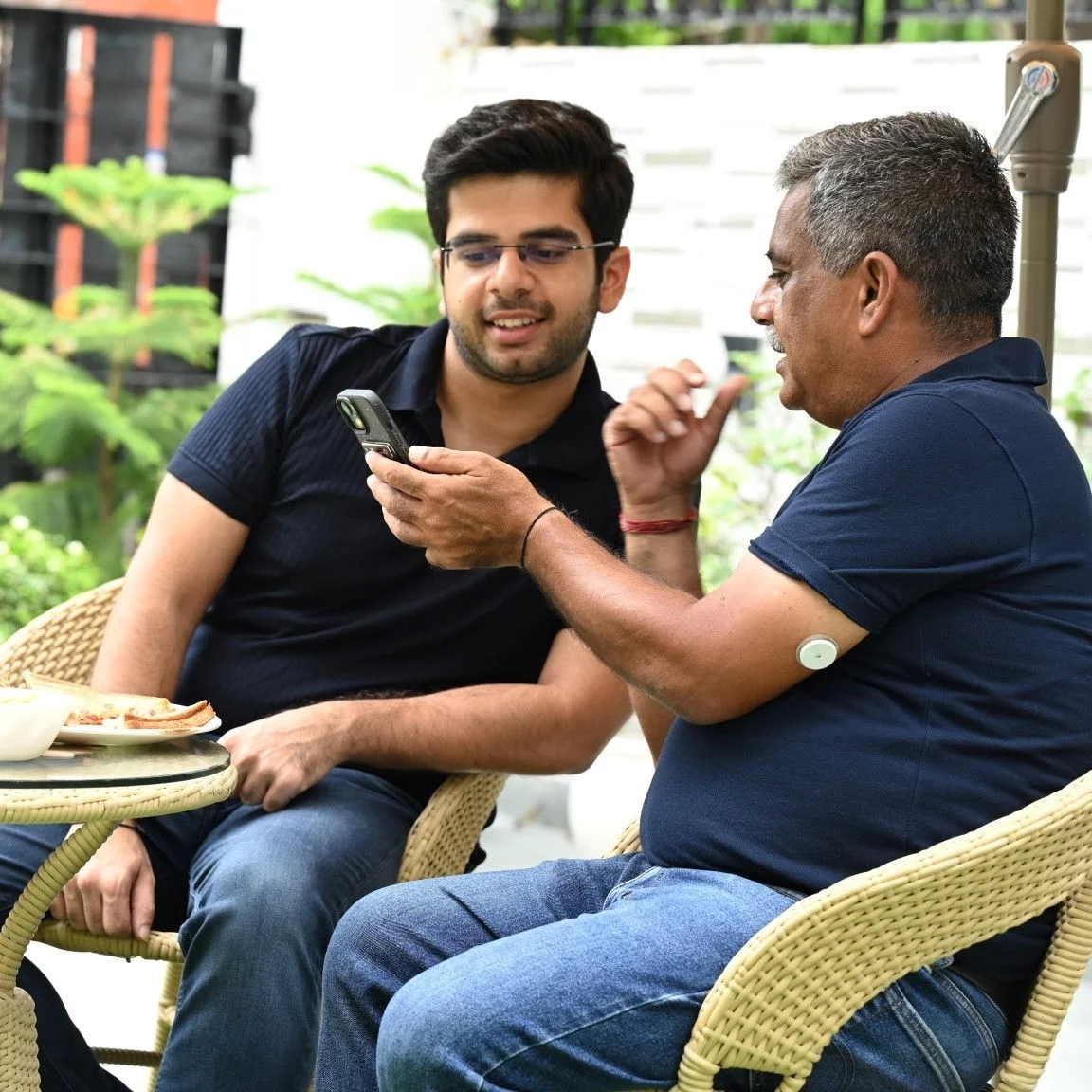
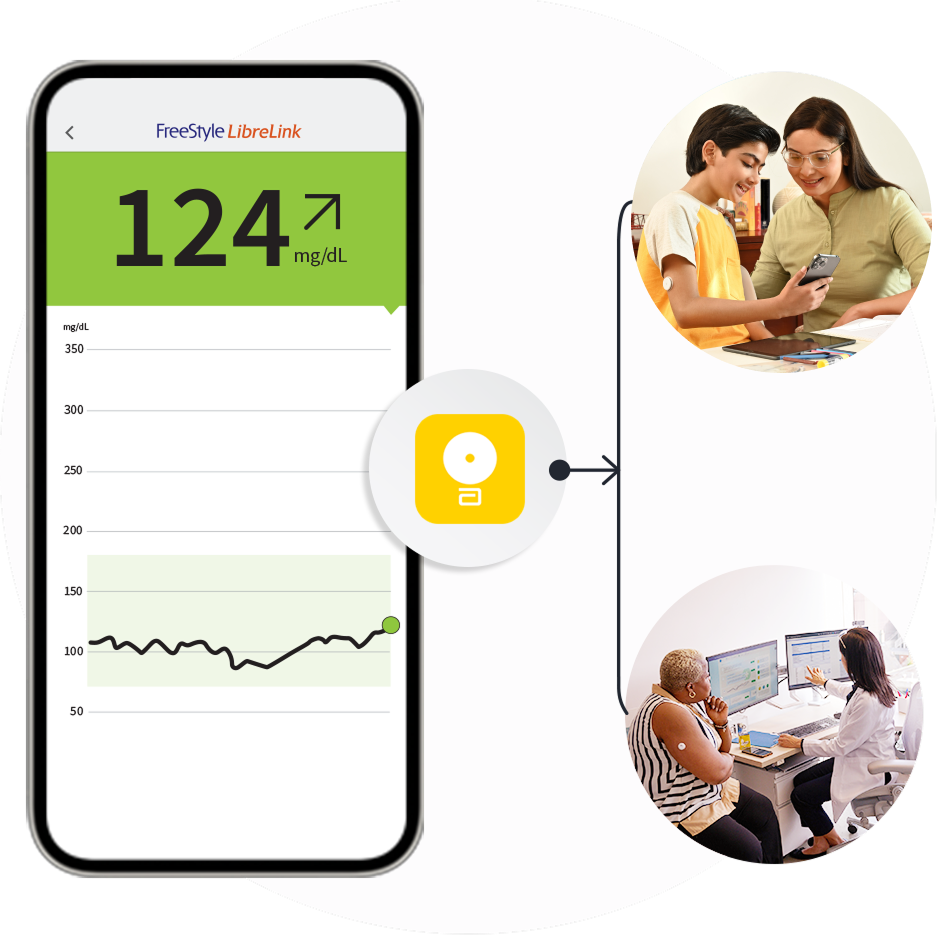
Use it to connect with caregivers.
Learn more about LibreLinkUp21
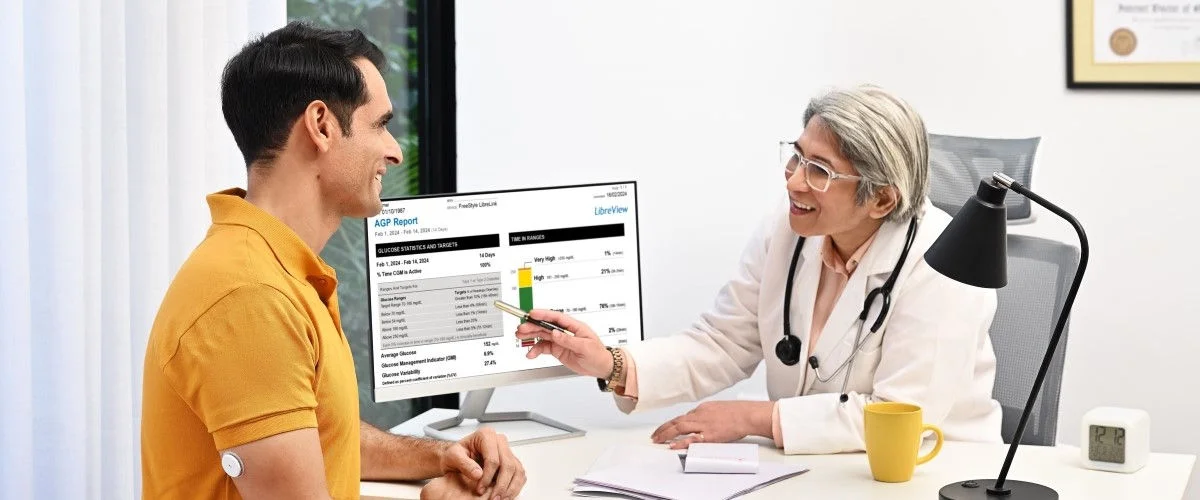
Use it to share with healthcare providers.
Learn more about LibreView24
Learn more about LibreLinkUp21
Learn more about LibreView24
Download your FreeStyle LibreLink app12 and get started.


Connecting with loved ones
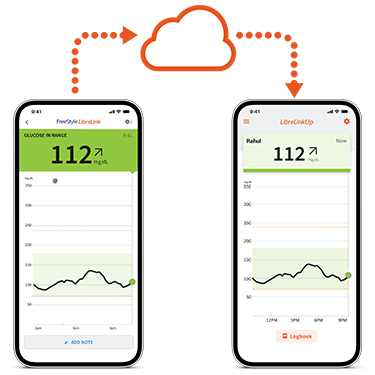
To start using LibreLinkUp76and sharing data with loved ones, follow the instructions in the video.
How do I get started and share my glucose data with my loved ones?
Customizing alarms.
Caregivers can set up personalized alarms to be alerted if your connection crosses the threshold that you set. Set up alarms by following the instructions in the video.
How do I customize LibreLinkUp alarms?
Connecting with loved ones
To start using LibreLinkUp76and sharing data with loved ones, follow the instructions in the video.
How do I get started and share my glucose data with my loved ones?
Customizing alarms.
Caregivers can set up personalized alarms to be alerted if your connection crosses the threshold that you set. Set up alarms by following the instructions in the video.
How do I customize LibreLinkUp alarms?
Connecting with care teams
Learn how to share your glucose data with your healthcare professional in this video.
How do I share my glucose data with my doctor?
Connecting with care teams
Learn how to share your glucose data with your healthcare professional in this video.
How do I share my glucose data with my doctor?
No, LibreLinkUp76 is not intended to provide data for medical decision-making. The LibreLinkUp app76 is a secondary viewer that enables the sharing98 of glucose data for information only and is not intended as a substitute for FreeStyle LibreLinkUp app76 or the advice of a healthcare professional.
Individuals using LibreLinkUp76 to receive information about persons with diabetes should always confirm the data received with the individual sending the data and consult a healthcare professional if they have any queries or concerns about diabetes management.
If you successfully installed LibreLinkUp and set up your account, but do not see a notification from the FreeStyle LibreLink12 , make sure that your phone has an active Internet connection (Wi-Fi or mobile) and your phone settings allow you to receive notifications. If you still do not see an invitation and you know that the invitation was sent, ask the FreeStyle LibreLink12 app or FreeStyle Libre system user who invited you to send a new invitation to the email address that you used when installed LibreLinkUp76.
Links which take you out of Abbott worldwide websites are not under the control of Abbott, and Abbott is not responsible for the contents of any such site or any further links from such site. Abbott is providing these links to you only as a convenience, and the inclusion of any link does not imply endorsement of the linked site by Abbott.
The website that you have requested also may not be optimized for your screen size.
Do you wish to continue and exit this website?