

Step 1:
On the app31, go to the Main Menu and tap Alarms.
Step 2:
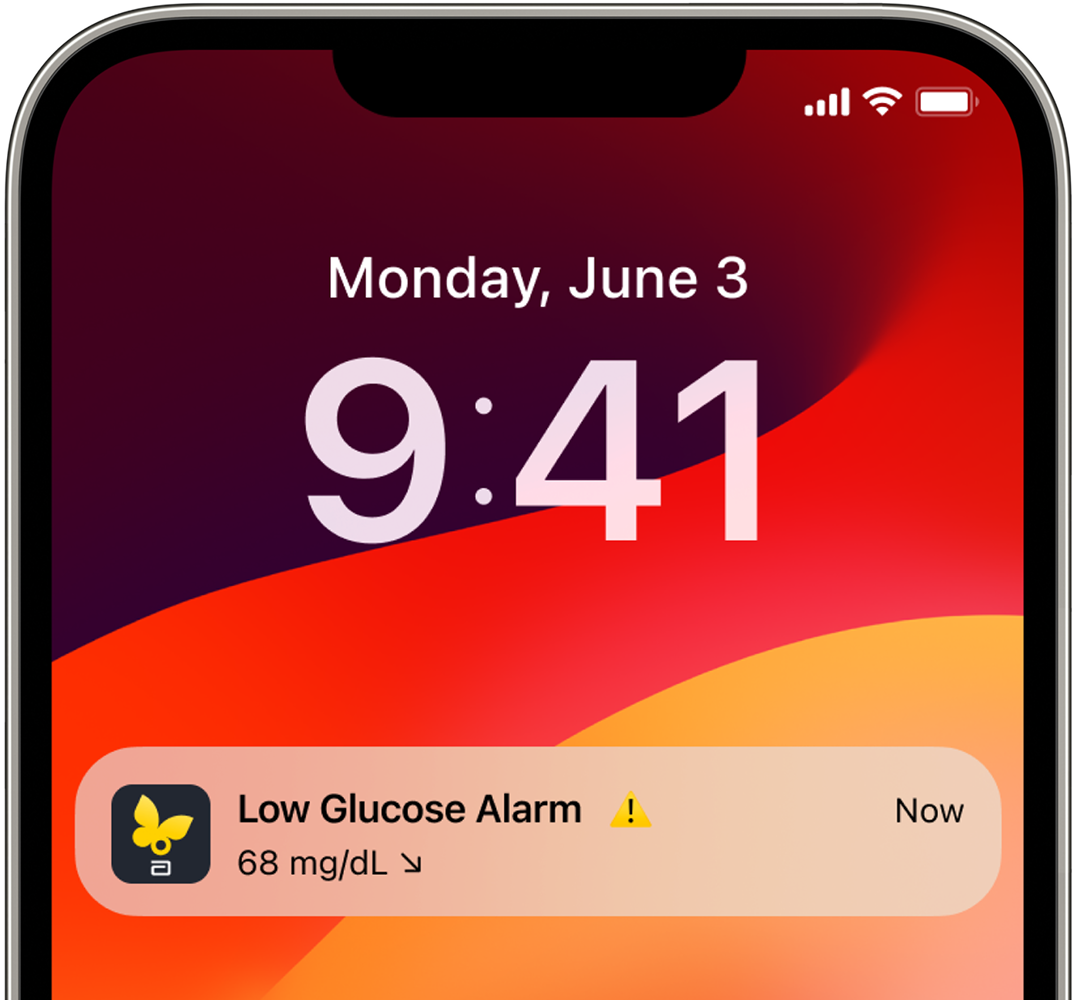
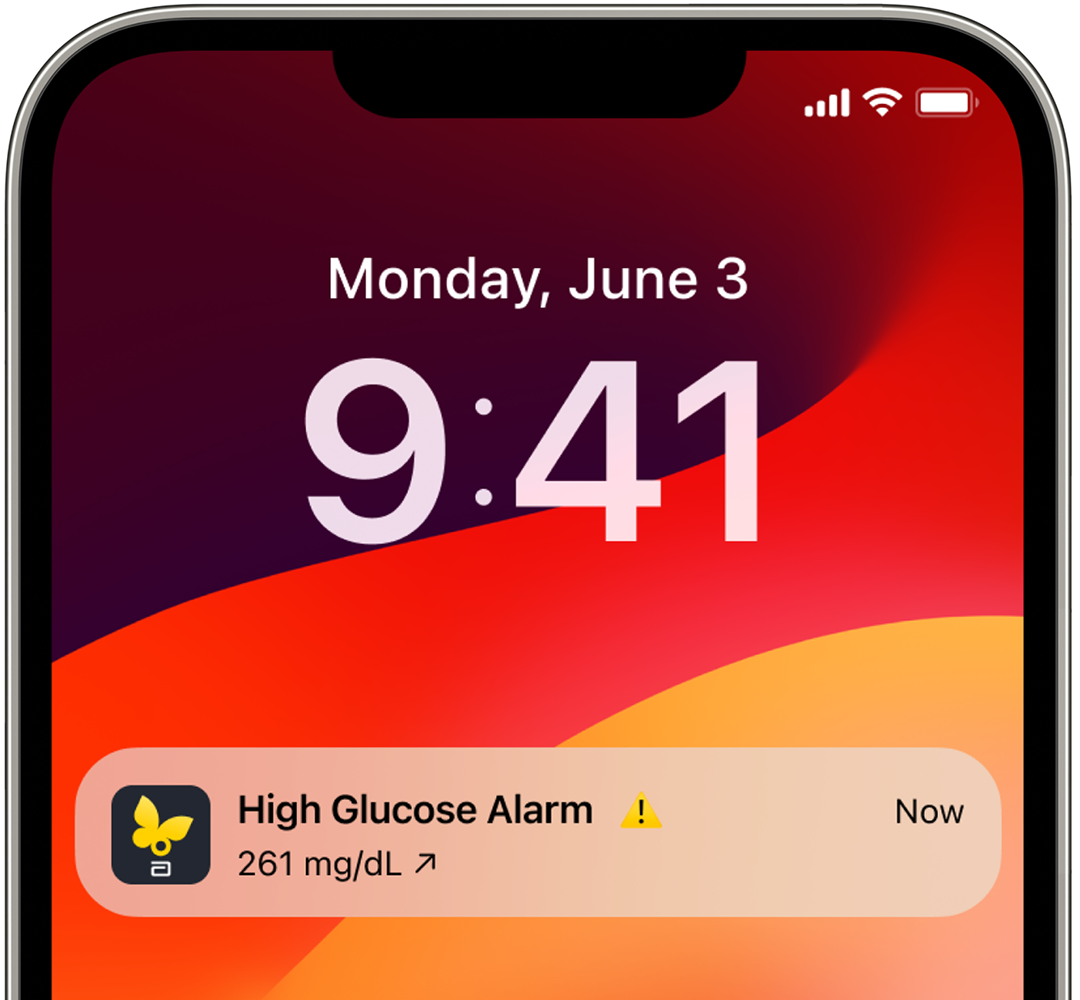
On the app31, select the optional alarm you want to change and turn on: Low, High, Signal Loss.
Step 3:
On the app31, select Override Do Not Disturb if you want an alarm to display even when your smartphone is muted or Do Not Disturb is enabled.