

What your alarms mean
Think of alarms as gentle reminders that are always working in the background—so you don’t have to guess what’s happening.

When does FreeStyle Libre system send alarms18?
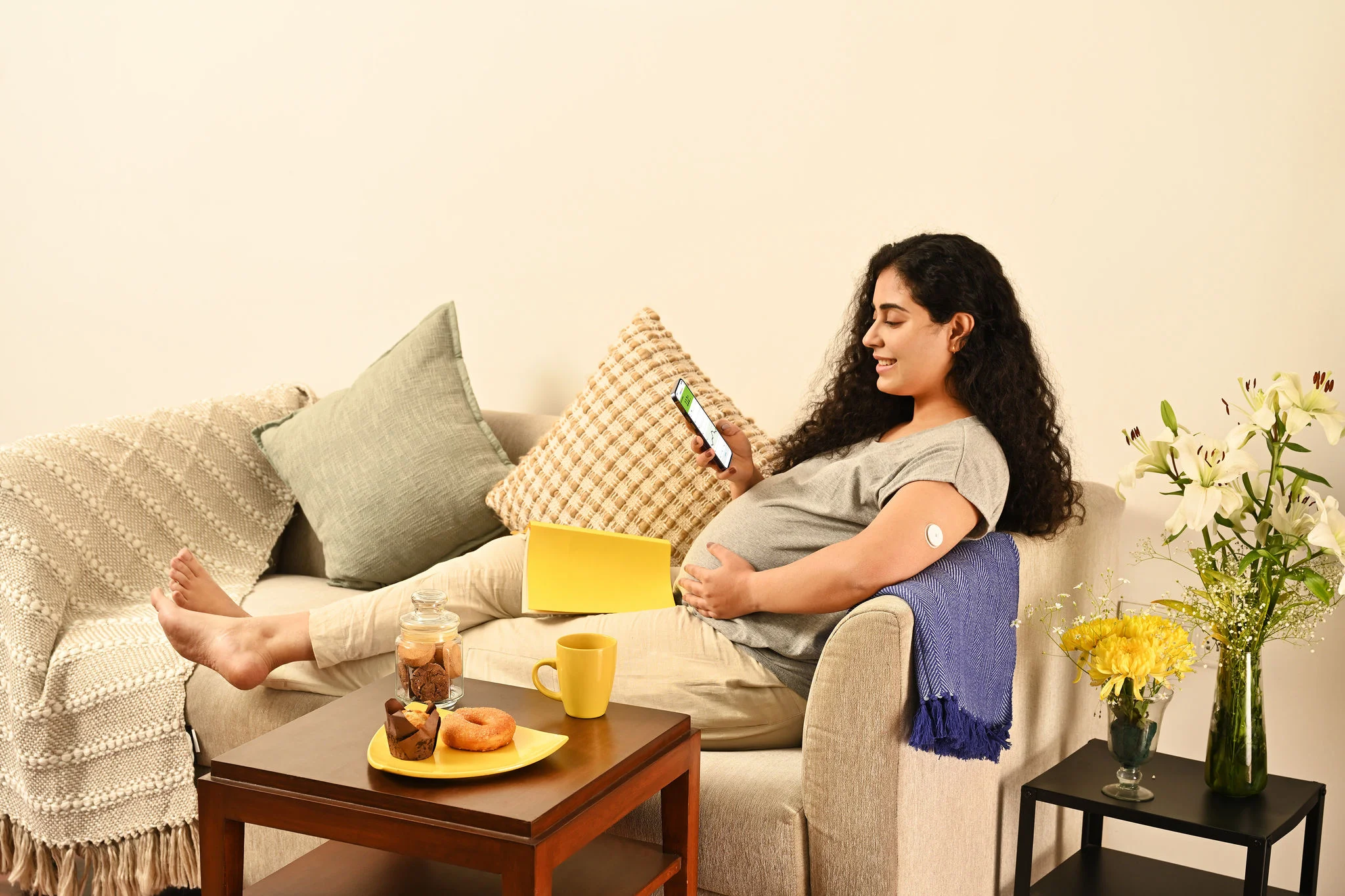
When your glucose goes above or below the threshold you set, alarms18 give you a gentle nudge. You may get an alarm18 on your smartphone at night if your levels drop below your threshold while you’re asleep.
Alarms18 are optional and can be adjusted to be silenced when you need quiet. It’s support that’s designed to move with you, not overwhelm you.
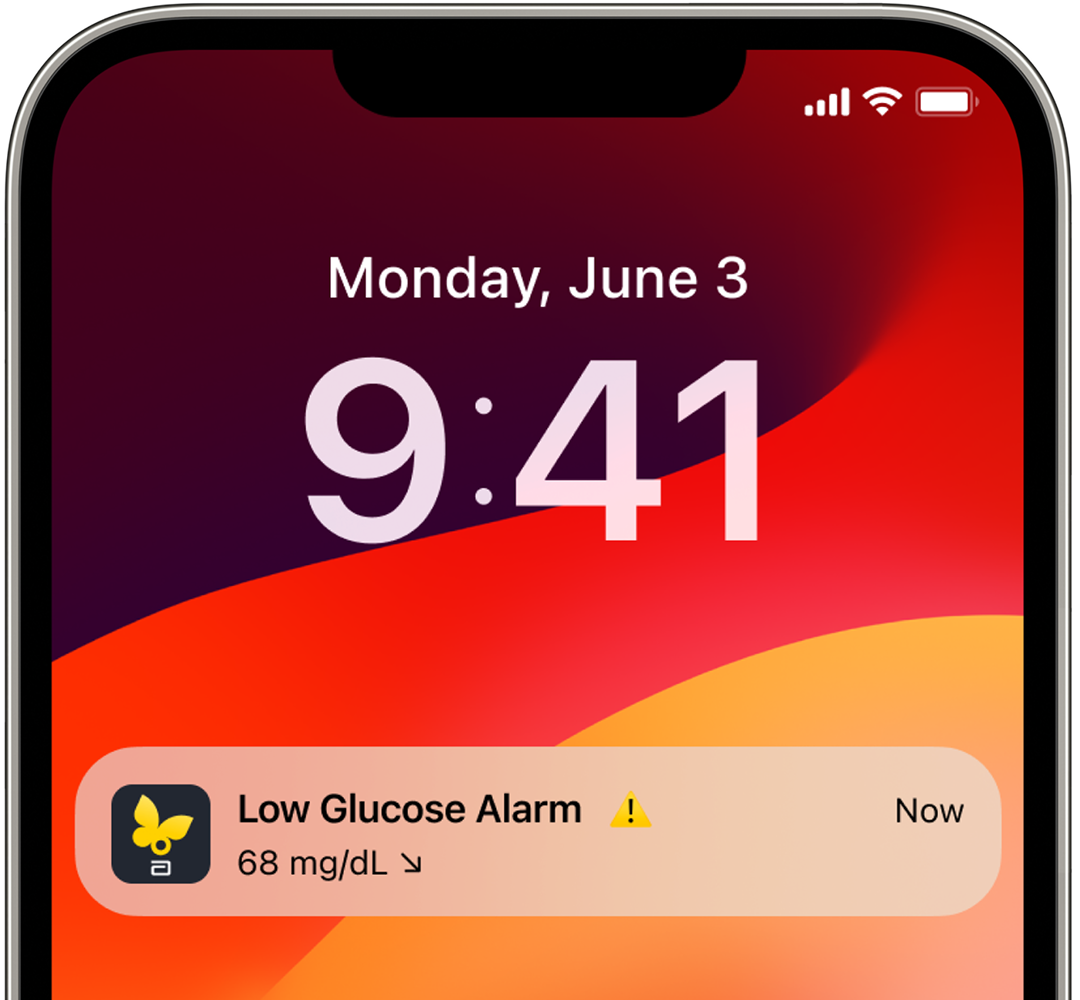
Low glucose alarms18 sound when your levels fall below 70 mg/dL.
High glucose alarms.
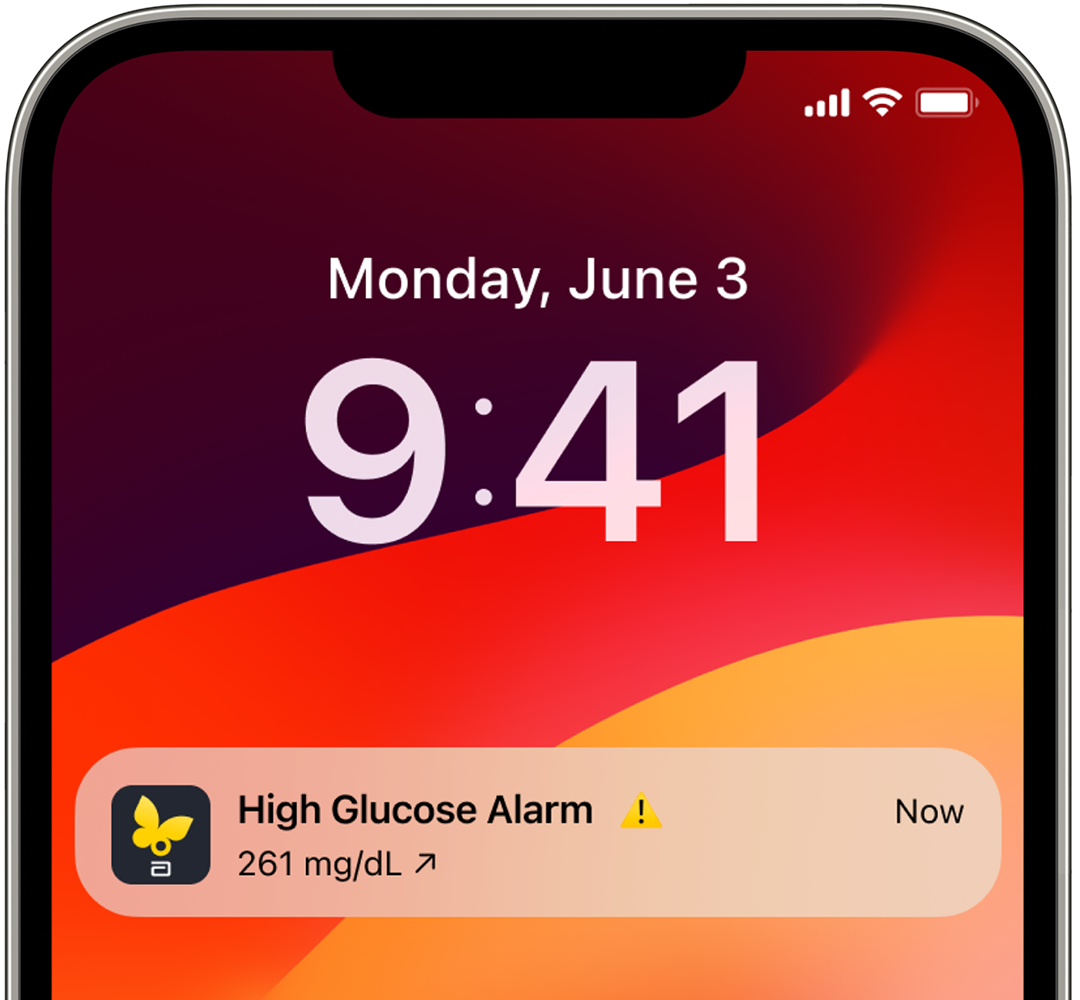
High glucose alarms18 appear when your levels rise above 250 mg/dL.
You got an alarm18. Now what?
The first time your phone buzzes, take a breath. That sound is a cue to look, not panic. Open your FreeStyle LibreLink app or reader and glance at two things:
- Your current glucose number
- The trend arrow showing if your levels are rising or falling
If levels are moving fast, you’ll know it’s time to take action.
Quick tip: Notice patterns in your alarms.
Was your alarm connected to a particular meal or lots of movement? Did you get an alarm the last time this happened, too?
Over time, you’ll start to see not just data, but patterns that make sense, helping you set new health goals that you can meet with the help of FreeStyle Libre system.

ADC-2690342 v1.0