
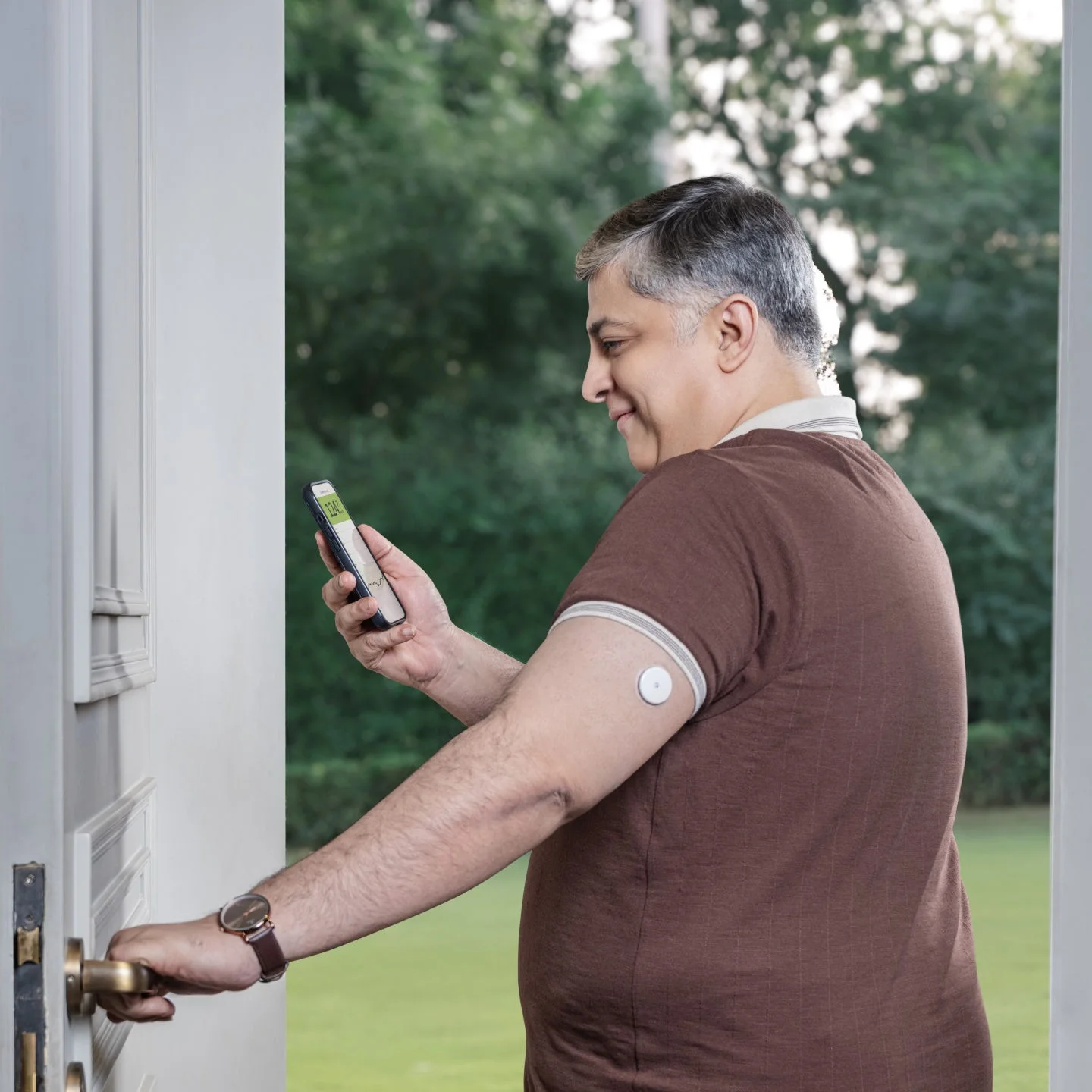
Say goodbye to painful fingerprick4,10

If you’ve ever had to pause your day for a fingerprick10, you know how disruptive it can be. With a continuous glucose monitor (CGM), checking glucose levels becomes easy and painless4.
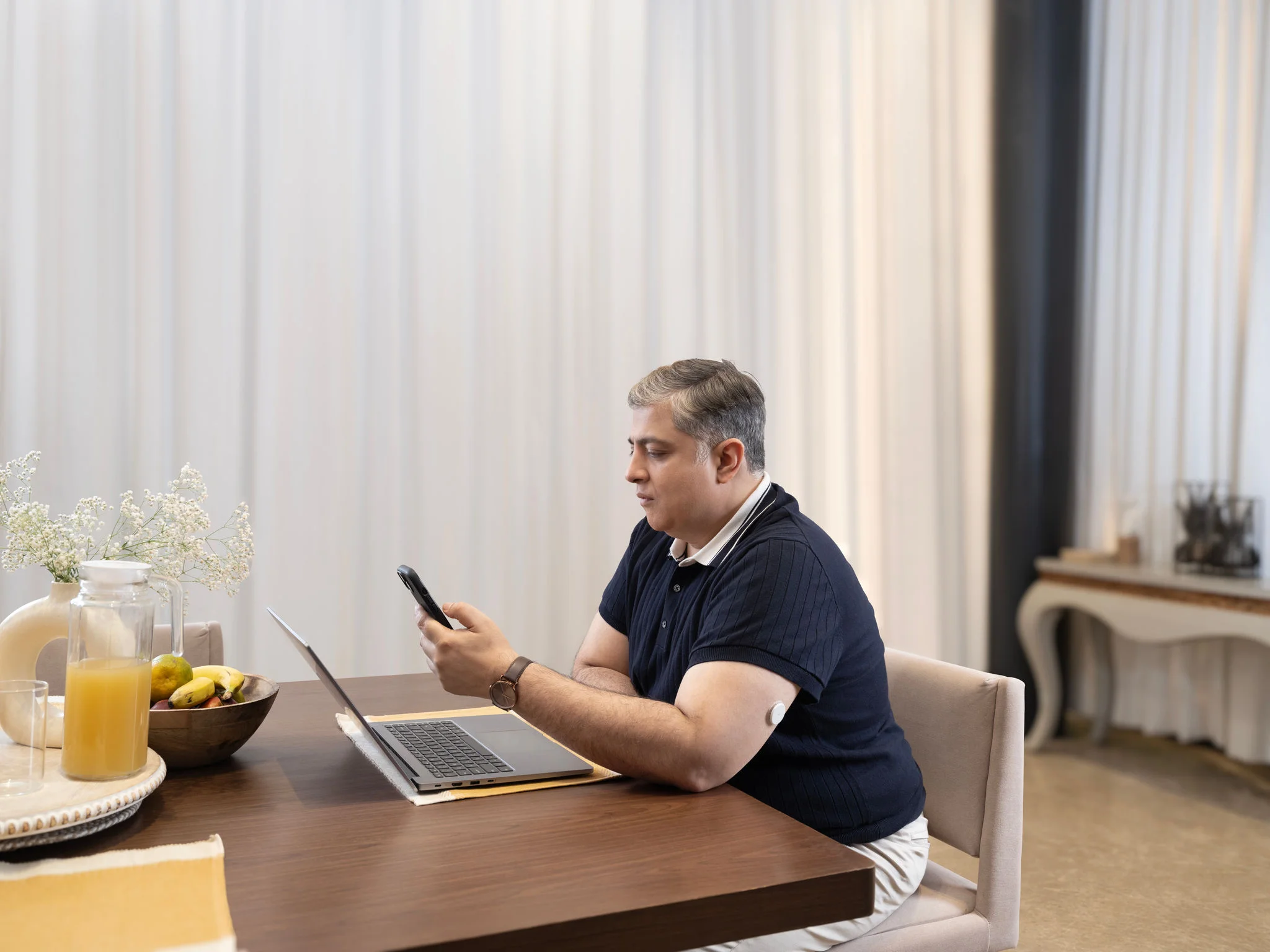
Man standing in the doorway of a house looking at his smartphone.

What’s the difference between CGM and BGM?


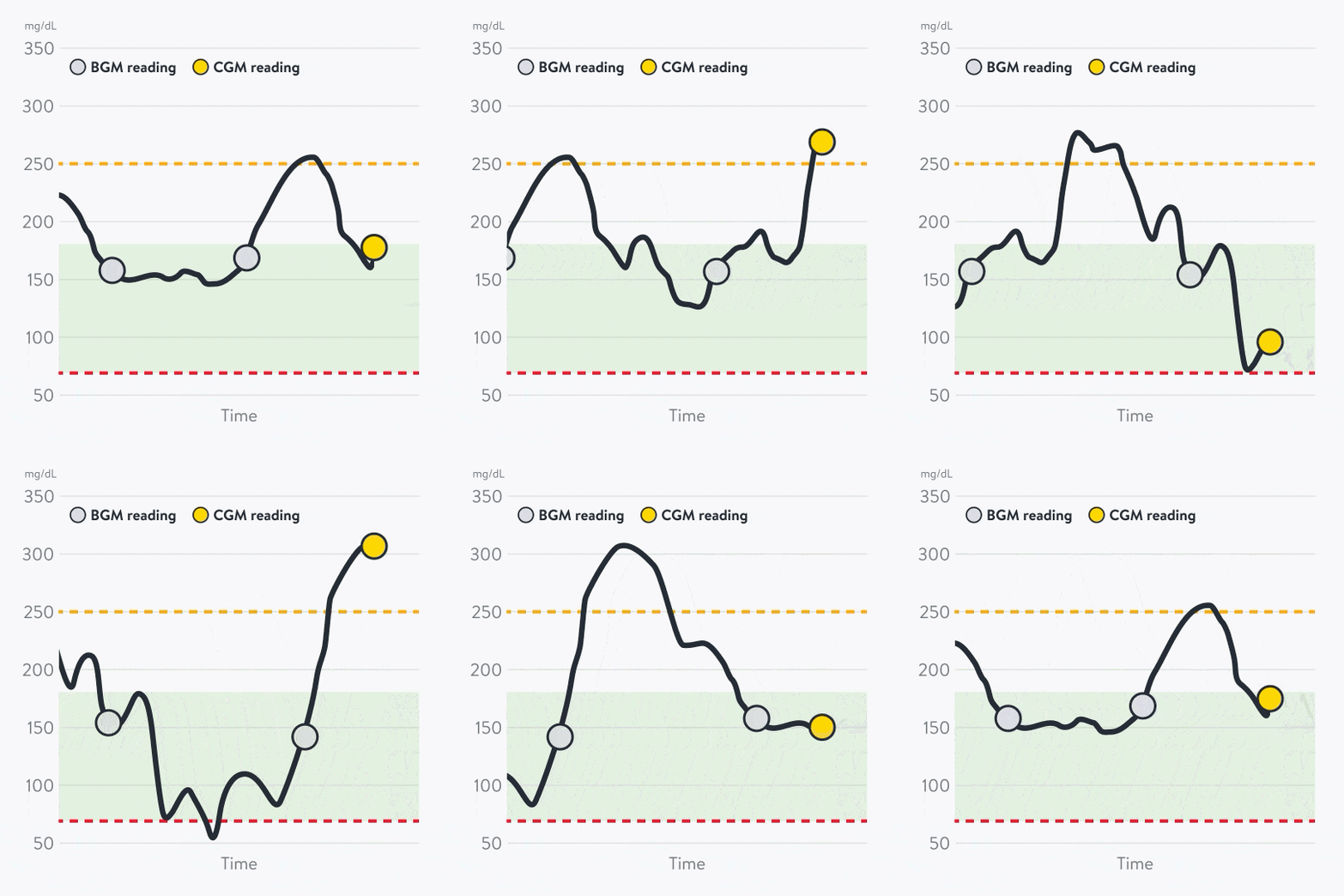
A blood glucose meter (BGM) is like a photo—it gives you a single snapshot of glucose by measuring it directly from your blood with a fingerpricks10.

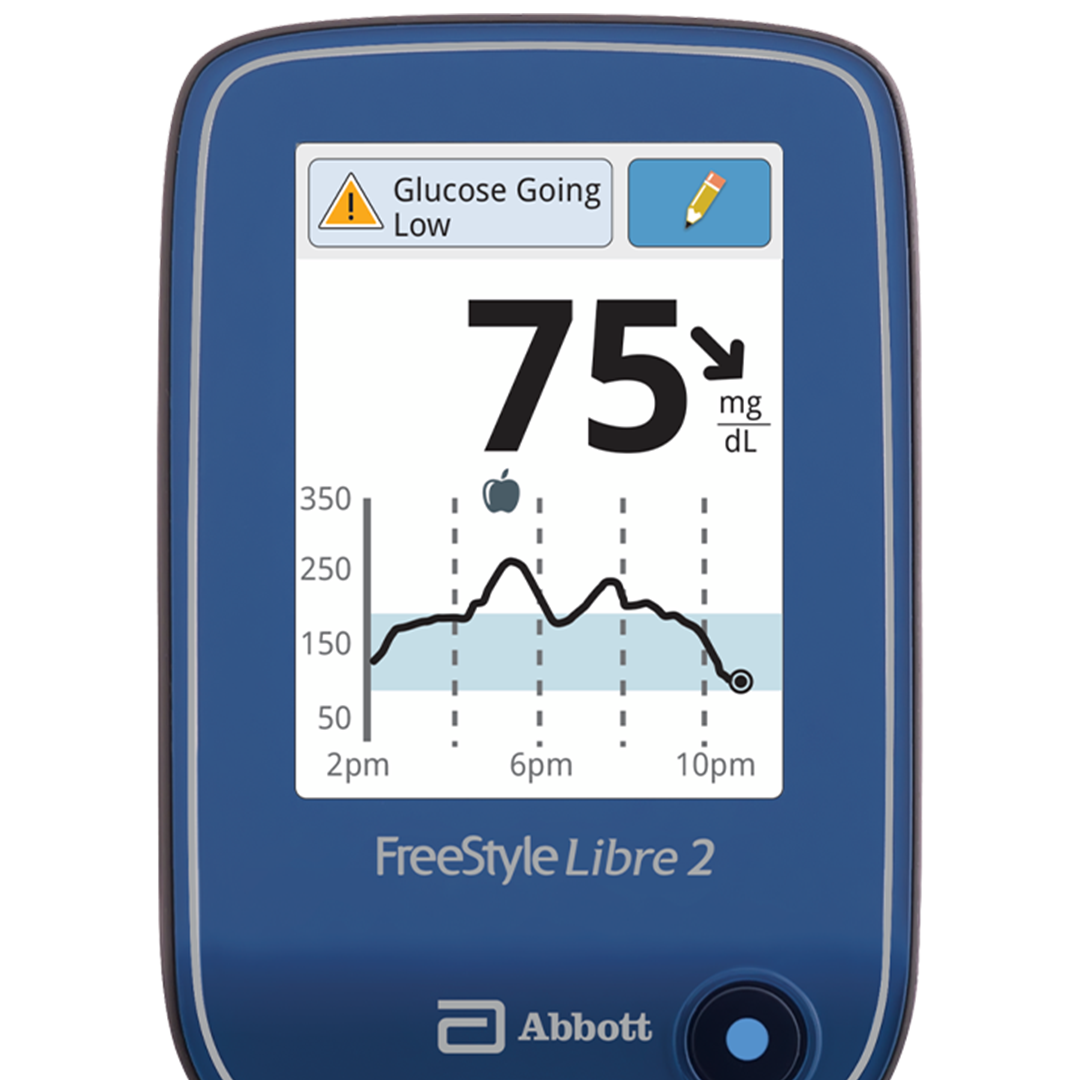
But a CGM is like a movie—showing you an ongoing overview of how your glucose changes.

That means it can catch glucose spikes and dips that occur between fingerpricks10.
A woman wearing a sensor showing her glucose data on her phone with her husband.

Why might CGM and BGM readings differ?

When you first compare numbers from your FreeStyle Libre sensor and your BGM, you might notice small differences. That’s completely normal. Both are accurate5, but at slightly different points in time. 

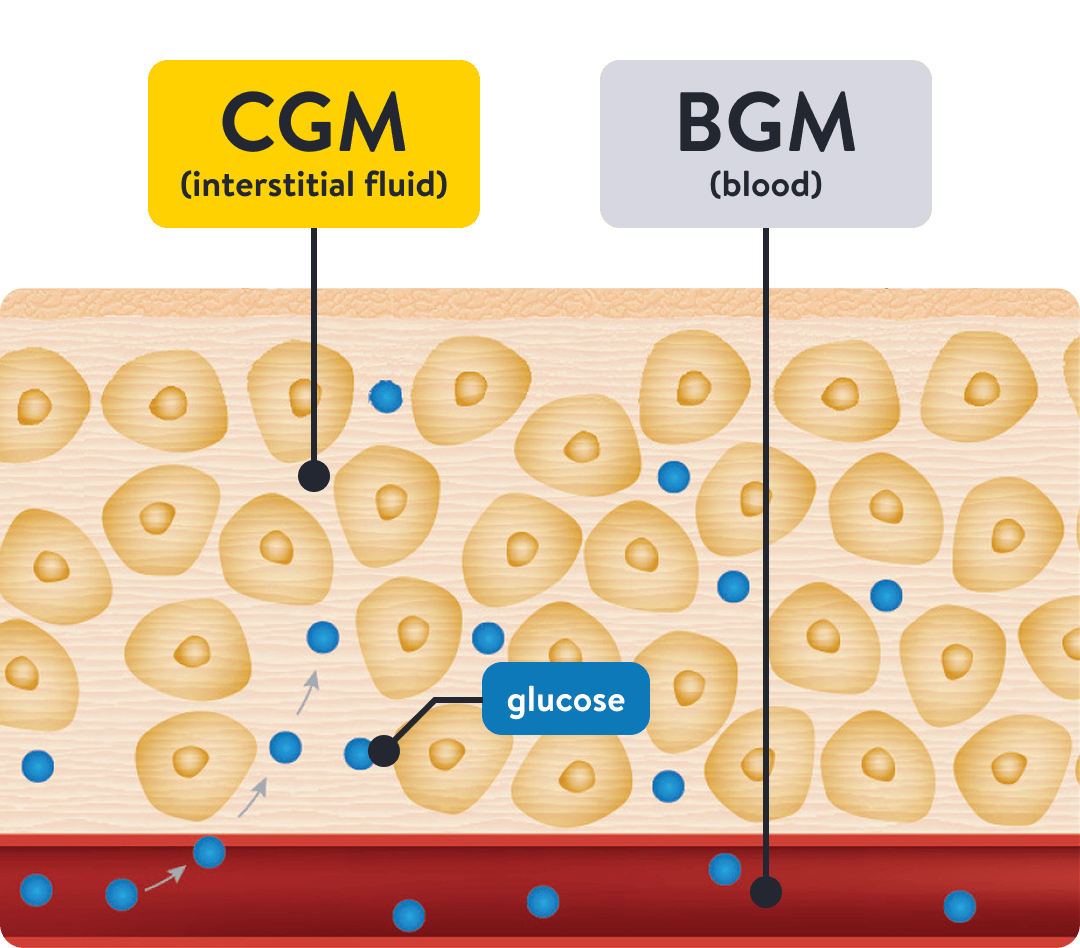
Glucose takes a few minutes to move from your bloodstream into your interstitial fluid, which is where your sensor gets its measurements from.

If you find that your BGM readings differ from your CGM readings, check your readings again. 

Rest assured, you can count on a high degree of accuracy5 from sensor start and up to 14 or 15 days of wear (depending on the sensor you have chosen).

Cross-section diagram of skin tissue showing how a CGM measures glucose in interstitial fluid compared to a BGM that measures glucose in blood.
FreeStyle Libre 3 reader device displaying a glucose reading with a trend arrow and glucose history graph.


Quick tip: Notice what happens after a meal.

Try looking at your FreeStyle LibreLink app or reader before and 1-2 hours after eating to see how your meal impacted your glucose. Those observations help you understand what works for your glucose.

Related topics

ADC-2690341 v1.0