
Connecting the data

Get to know how to read all of your data, step-by-step, with the FreeStyle LibreLink app. 
 FreeStyle Libre 2 reader showing a glucose reading


Get to know your home screen. 

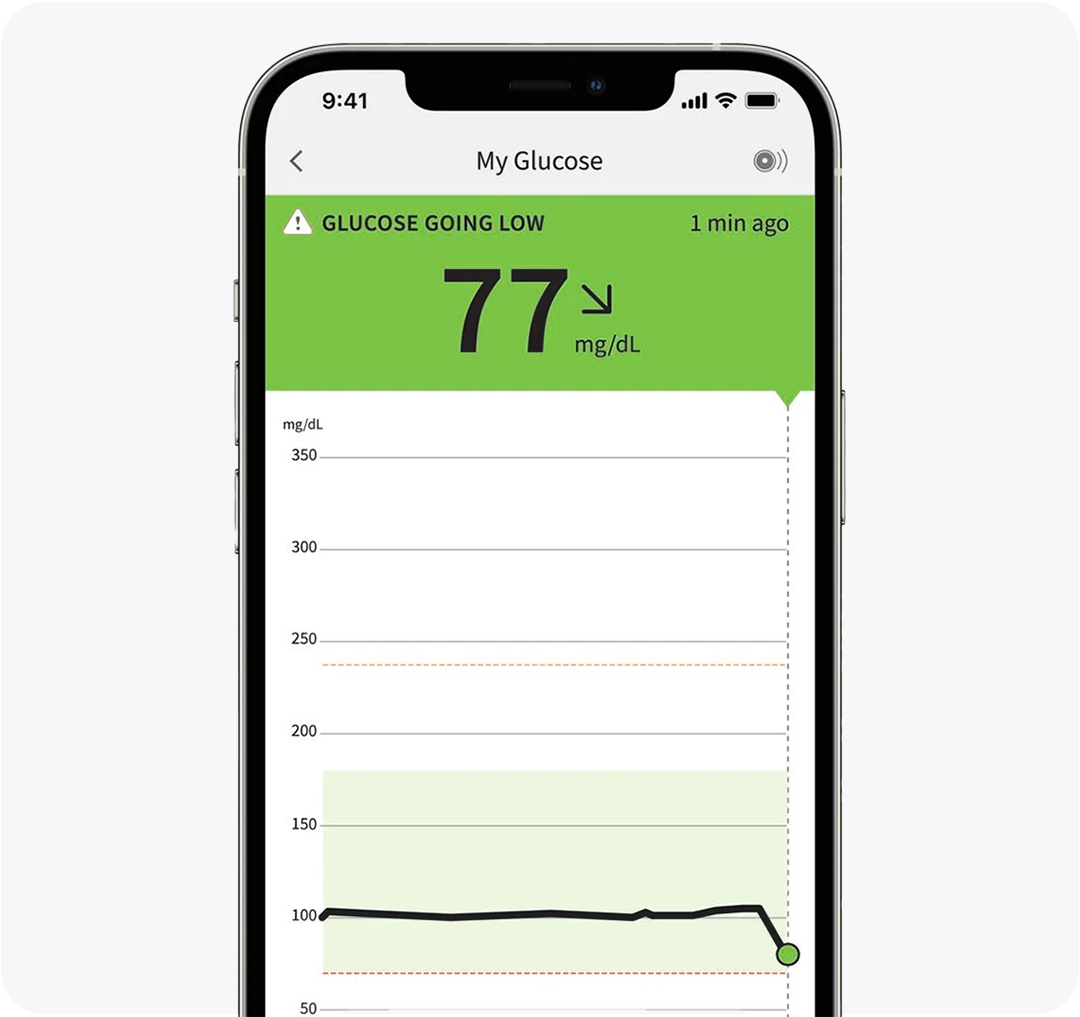
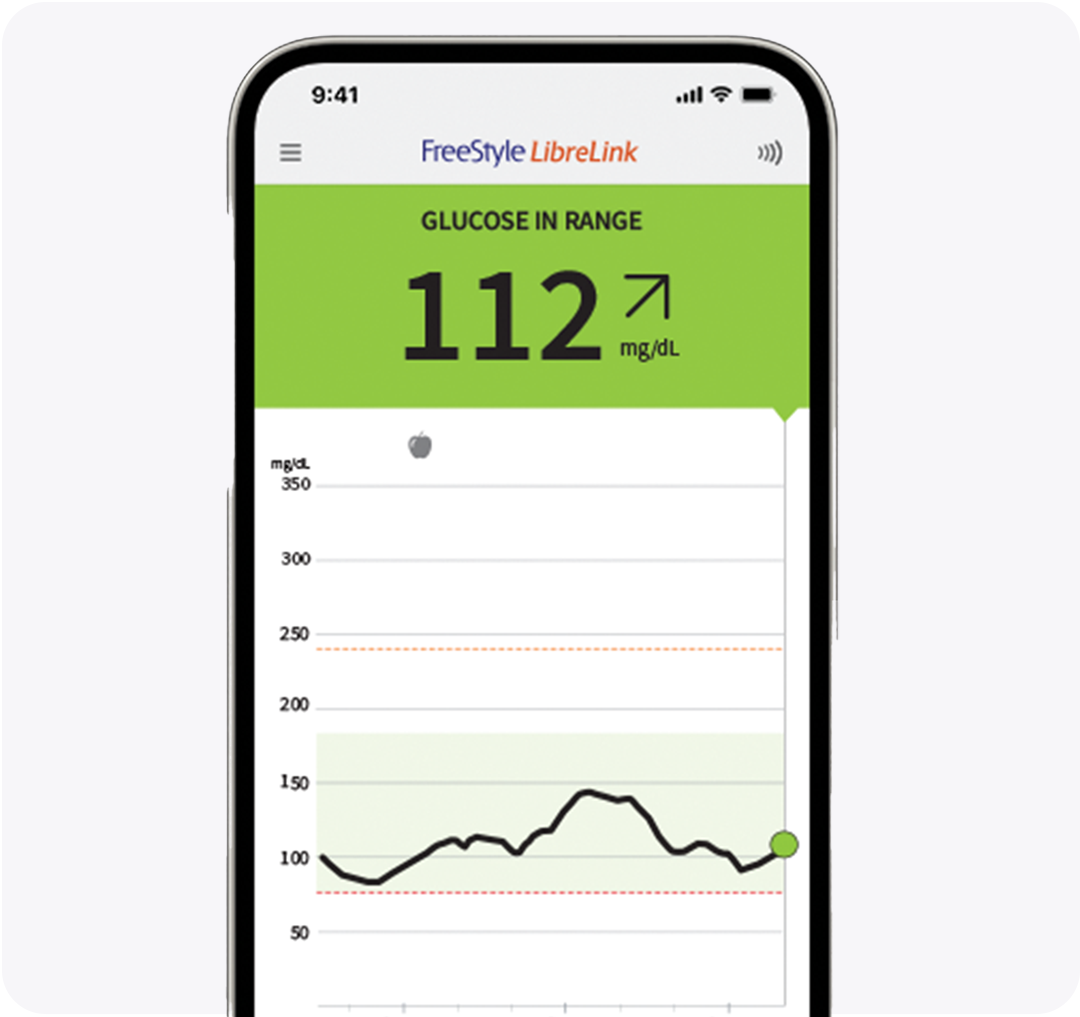
Your FreeStyle LibreLink app’s home screen is your go-to place for quickly accessing your most recent glucose data. On your home screen, you’ll see: 
  • Green, yellow, orange, or red banners that provide your real-time58 glucose readings.
  • A graph showing glucose trends and your most up-to-date glucose readings for the current time period.

Once you’re used to accessing and reading the information on your home screen, you can navigate to the Daily Graph. To find the Daily Graph, go to the navigation menu on the left on your FreeStyle LibreLink App and find the Daily Graph tab under Reports. 
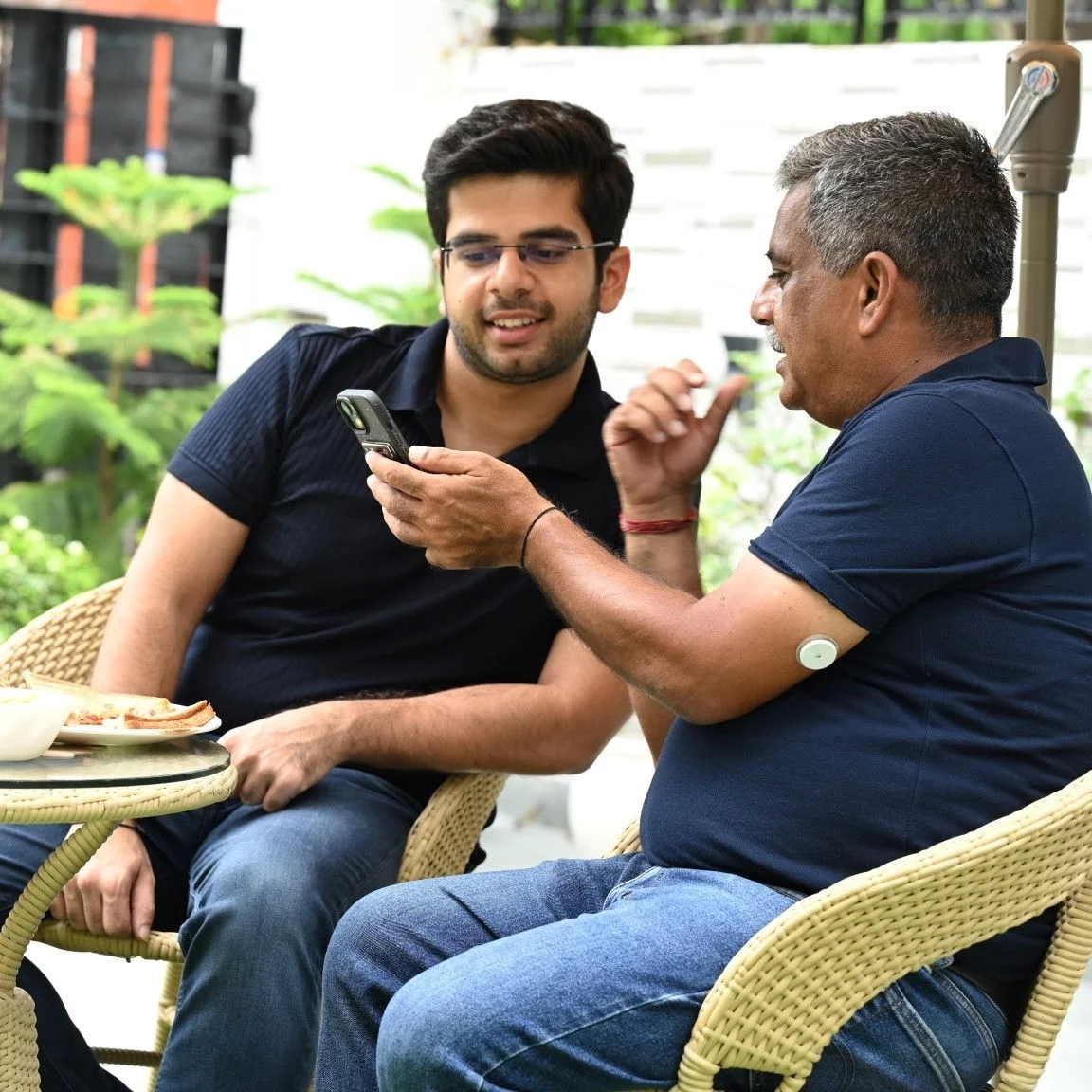
A woman wearing a sensor showing her glucose data on her phone with her husband.


Accessing your Daily Graph.

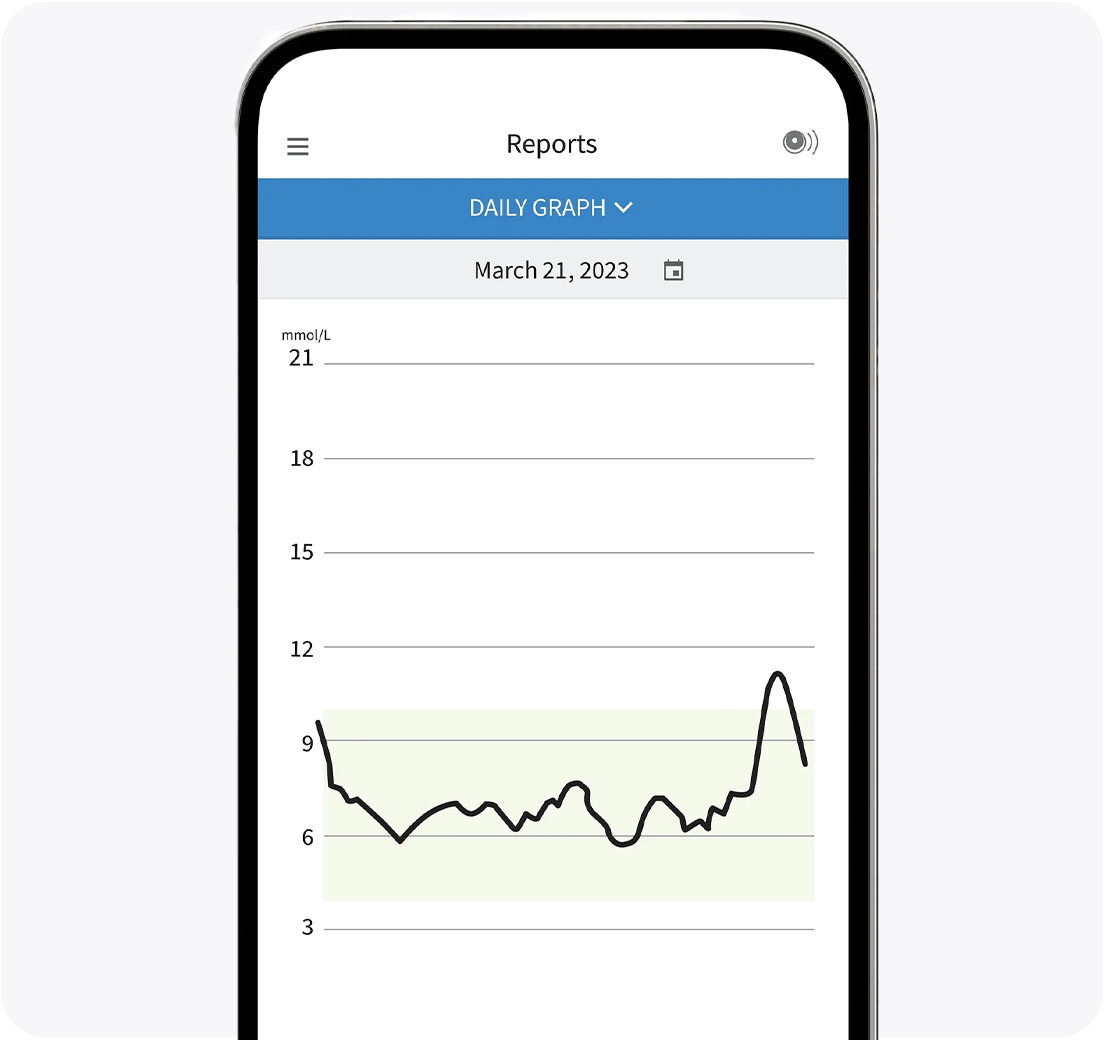
Your Daily Graph shows your glucose over a period of time, helping you see broader patterns. 
  • See where levels are throughout a day’s timeframe 
  • Log notes, like meals, exercise or medication
  • View your glucose high and lows
 FreeStyle Libre 2 reader showing a glucose reading

Get further insights in your Reports tab.

After five days of collecting data, your FreeStyle Libre system will have more data you can use to get historical glucose data.

To access your Reports, go to the menu toolbar on the left of your FreeStyle LibreLink App and find the Reports section.

Here’s what your Reports can show you:

A hand holding a smartphone displaying a 112 mg/dL glucose reading with trend arrows and graph on the FreeStyle LibreLink app.

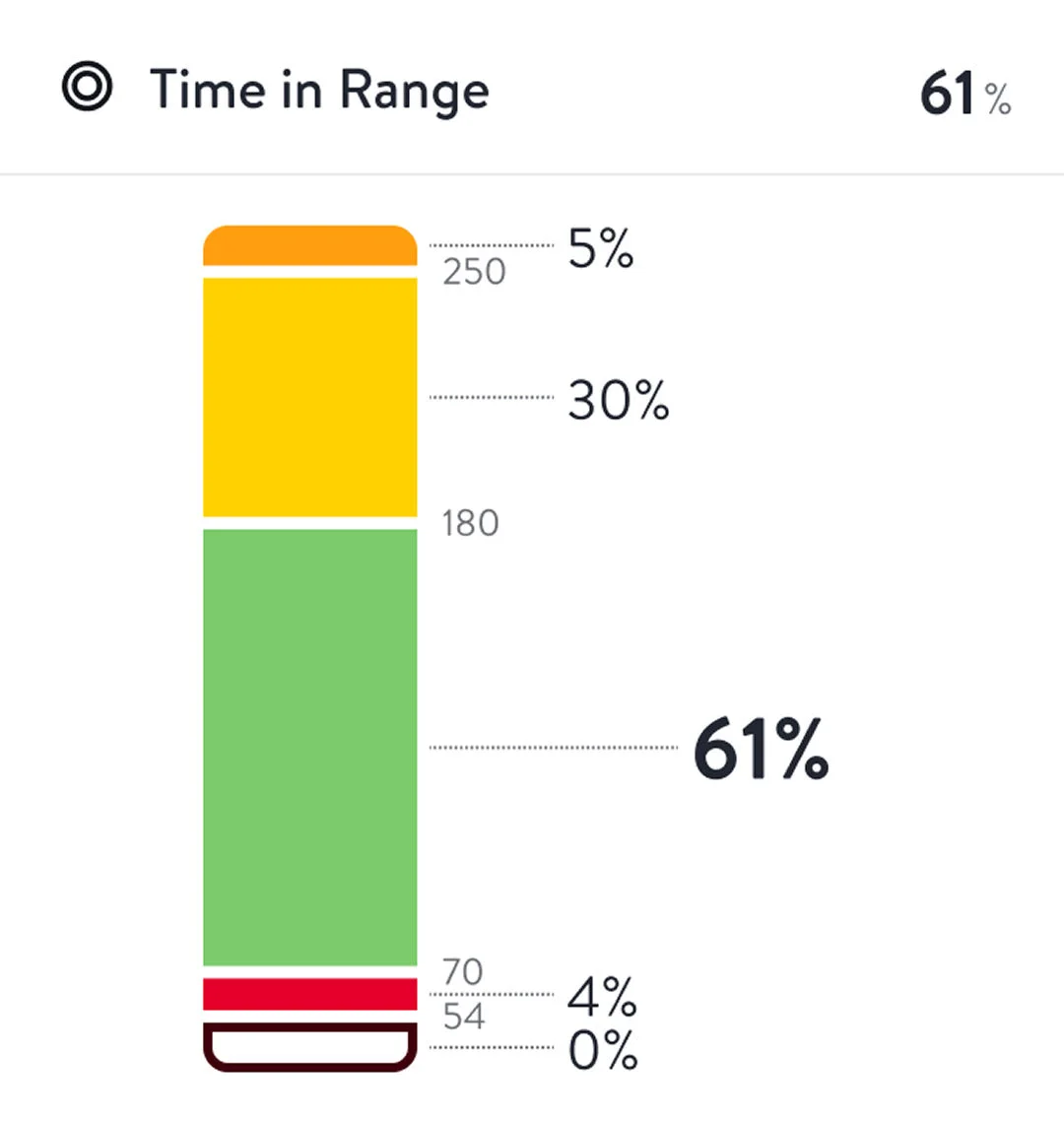
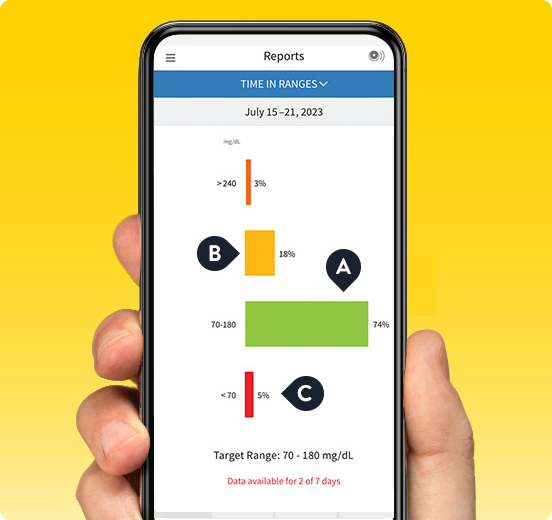
Track your progress over time to see how much time you’ve spent in or out of range.

  • Target Glucose Range

    The more time you spend here, the better your A1c.

  • Above Target Glucose Range 

    Shows when your glucose was too high so you can pinpoint what may have caused it to spike.

  • Below Target Glucose Range

    Shows when your glucose was too low so you can pinpoint what may have caused it to dip.

FreeStyle Libre reader and its ability to show how much time is spent in each glucose range.


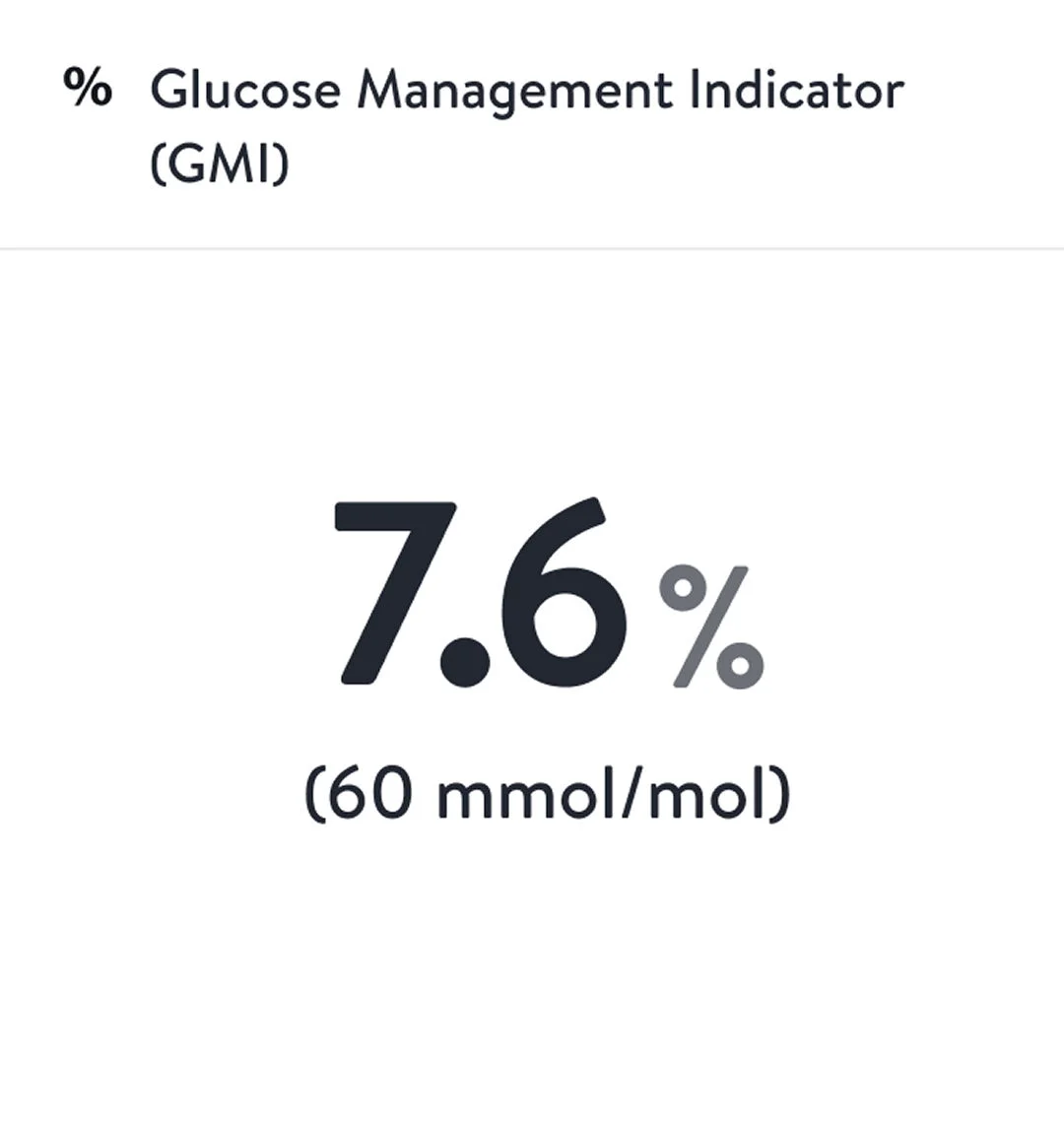
Average Glucose


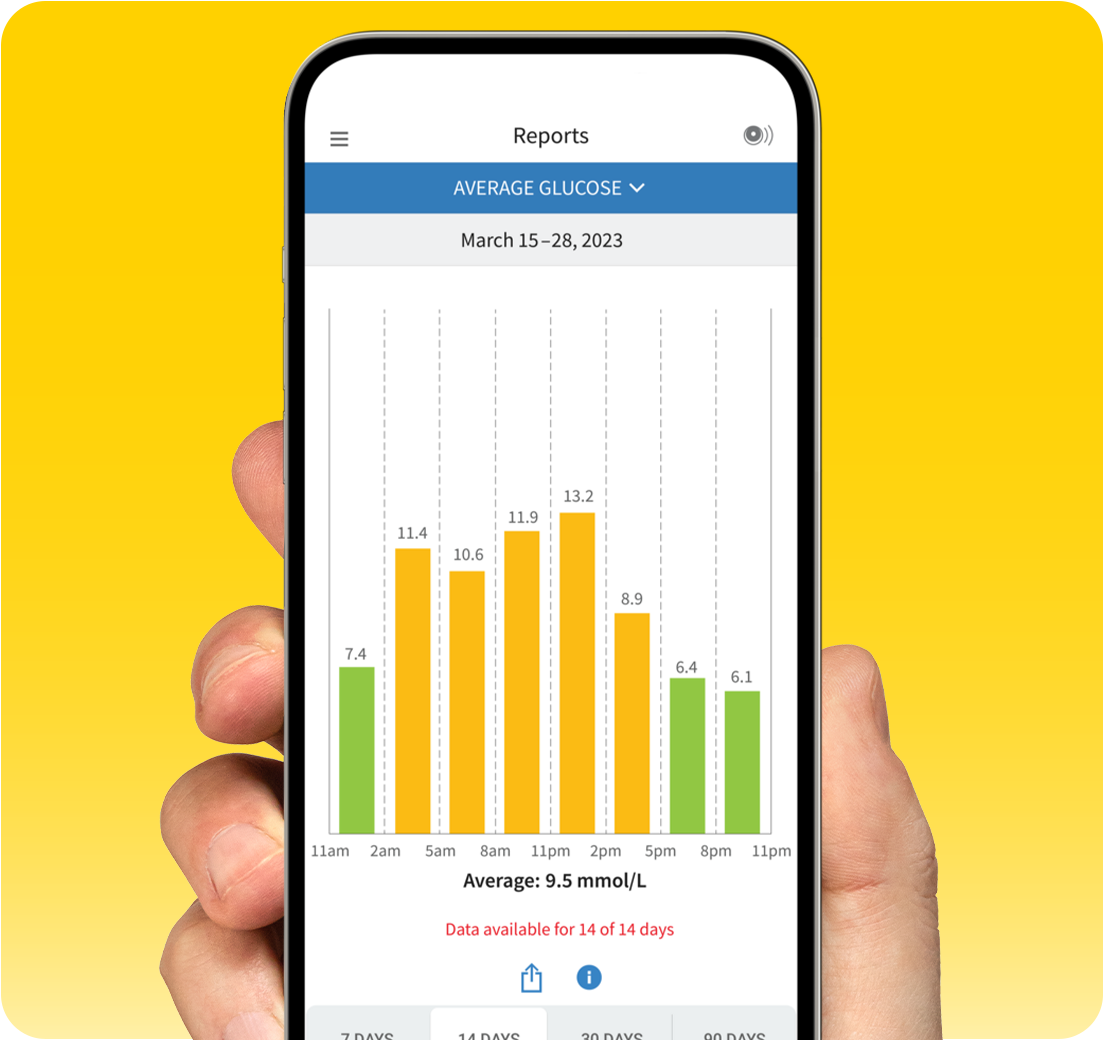
See the overall average of your sensor readings—plus how those averages shift throughout the day. 

Your main average appears at the top. Below, see how your levels tend to look in the morning, afternoon, evening, and overnight. 

The colors help you read your averages at a glance: 

  • Green means you’re in range. 
  • Yellow, orange, or red show times when your glucose moved above or below your target.
FreeStyle Libre reader and a visual showing the direction of change for a glucose reading.


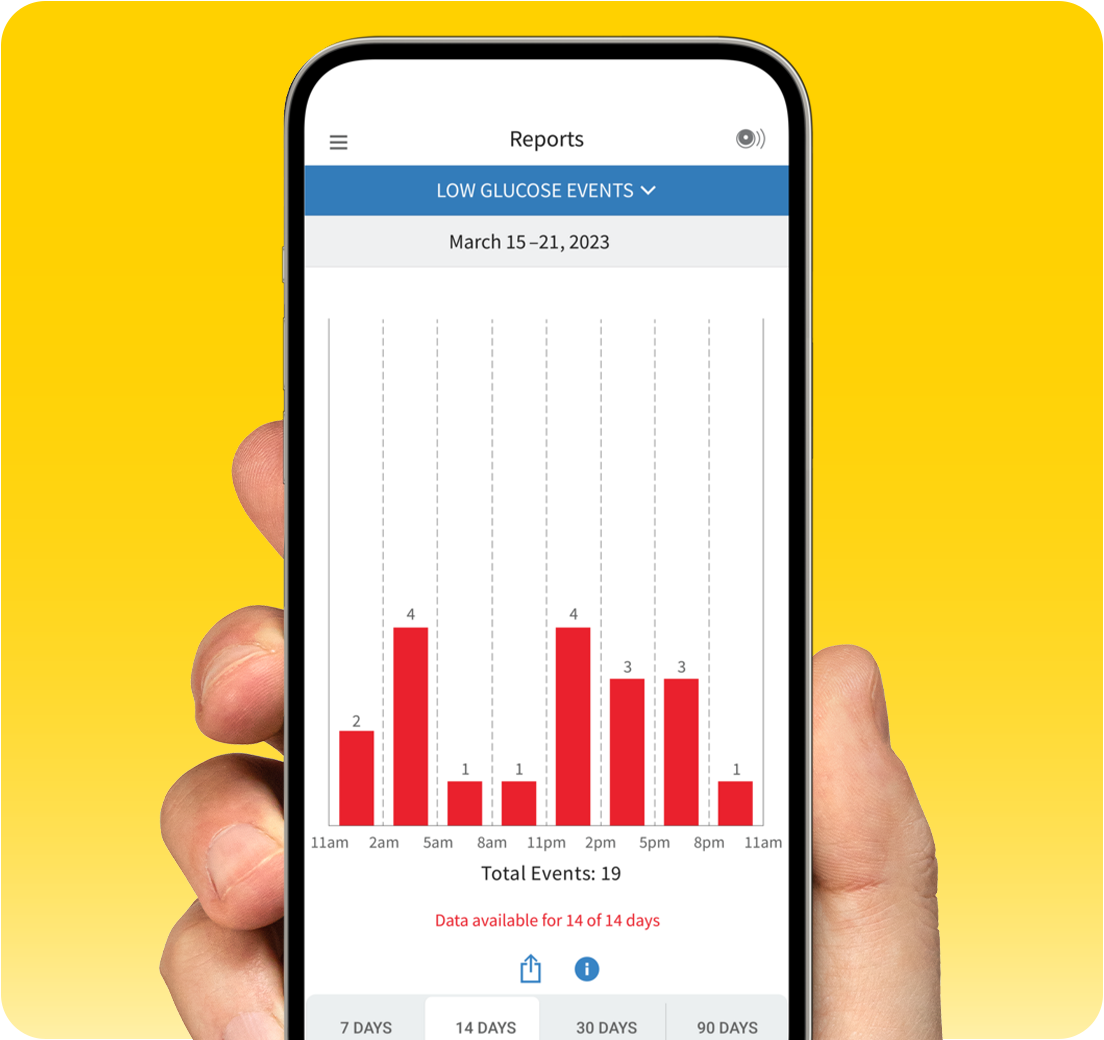
Low Glucose Events

The Low Glucose Events chart displays times when your glucose dropped below your set levels over a period of time.

FreeStyle Libre reader and a visual showing the direction of change for a glucose reading.


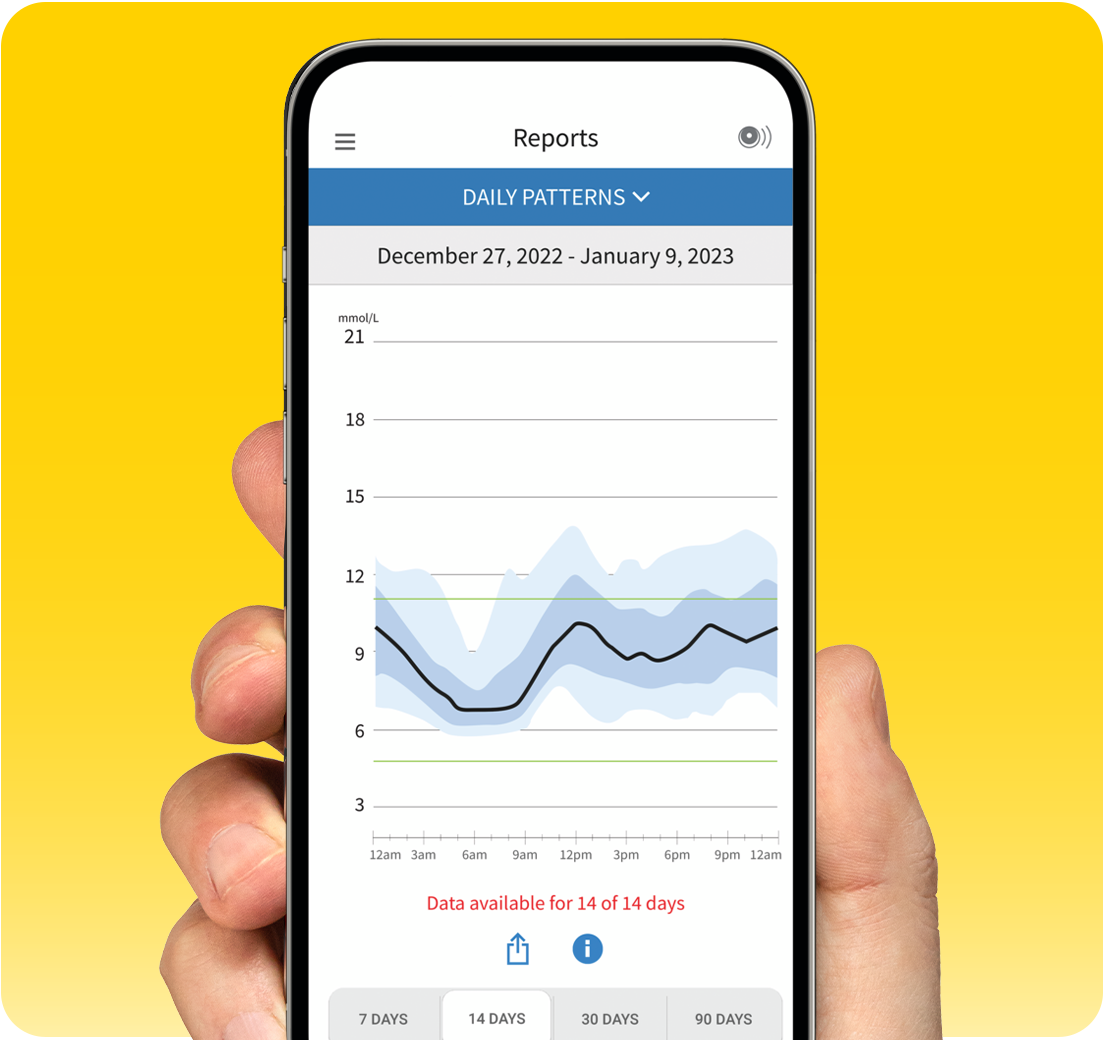
Daily Patterns

Your Daily Patterns graph helps you see the rhythm of your glucose throughout a typical day. Here’s how to read it:

  • The thick line shows the midpoint of your readings — your day’s “center line.”
  • The inner shaded band shows where most of your readings land.
  • The outer shaded band shows the full spread of your readings.

How to use your data in everyday situations.

Here’s how real-life moments can turn into learning opportunities.
FreeStyle Libre reader and a visual showing the direction of change for a glucose reading.

Before breakfast.

You wake up, check your FreeStyle LibreLink app or reader, and see your glucose at 112 mg/dL and rising. That trend arrow tells you something’s shifting. Maybe it’s stress, a late-night snack, or just your morning routine. 

What it could mean: This is your cue to pause and consider small adjustments, like timing your insulin or breakfast differently.

FreeStyle Libre reader and a visual showing the direction of change for a glucose reading.

After a walk.

You finish your usual loop and suddenly feel shaky or sweaty. You check your FreeStyle LibreLink app or reader and your glucose is reading low.

What it could mean: This is a sign to bring your glucose levels back up, and to make sure you have a snack or meal before your next bout of movement.

The more you track, the clearer patterns become.

The longer you use your FreeStyle Libre system, the more your data reveals about what works best for your glucose. You’ll start to see how one choice today shapes how you feel tomorrow.

Quick tip: Try setting a TIR goal with your doctor.

Take a moment each week to look at your Time In Range (TIR), and try setting a new goal for yourself with the help of your healthcare provider or healthcare team. Goal setting is a way to measure your progress and watch how you overcome challenges. You’ve got this.

Related topics

ADC-2690349 v1.0